
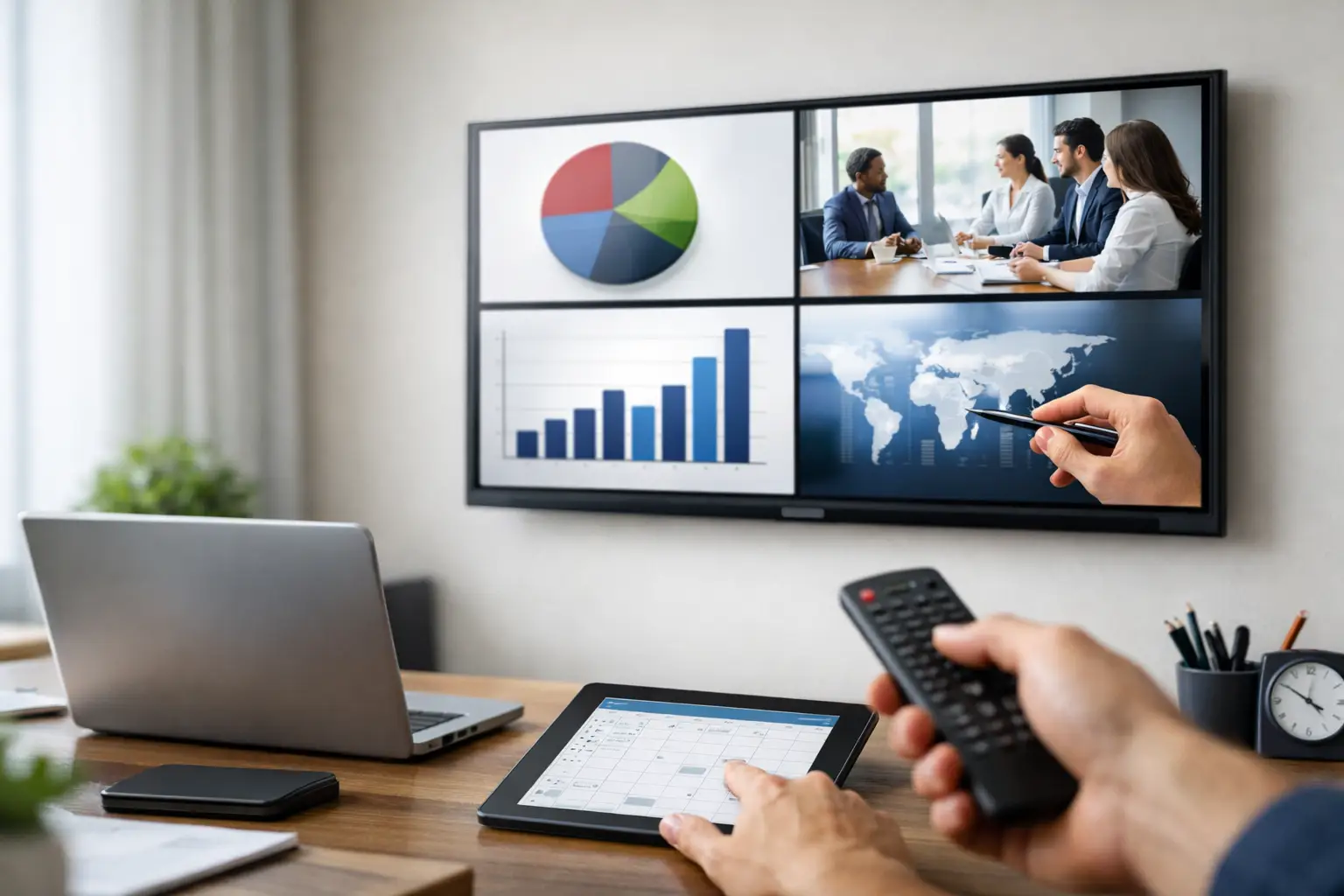
Most teams do not need another design tool. They need a faster way to schedule PowerPoint slides on TVs, keep messages current, and avoid running from screen to screen with a USB drive. If your staff already builds announcements, promos, menus, dashboards, or internal updates in PowerPoint, the smartest workflow is usually the one that keeps PowerPoint at the center and adds scheduling and screen control around it.
That approach matters because TV screens in business settings are rarely static. A retail promotion changes by time of day. A corporate lobby needs different content for visitors, employees, and after-hours messaging. A school may want morning announcements on one schedule and event notices later in the day. The challenge is not making a slide deck. The challenge is getting the right deck to the right screens at the right time without creating more work.
What it really takes to schedule PowerPoint slides on TVs
At a basic level, you need three things. First, a PowerPoint file built for screen playback rather than a meeting room projector. Second, a player or screen device that can display scheduled content reliably. Third, a management system that tells each screen what to play and when.
This is where many DIY setups start to break down. Putting a PowerPoint on a USB stick and leaving it on repeat can work for a single screen with rarely changing content. It does not scale well when multiple locations, departments, or dayparts are involved. There is no simple way to change content remotely, coordinate schedules across many TVs, or ensure every screen is showing the approved version.
A digital signage workflow solves that operational problem. Instead of treating each TV like an isolated device, it turns your screens into a managed network. Your team creates slides in a familiar tool, uploads them, assigns schedules, and pushes updates centrally.
Why PowerPoint is still a practical content tool
PowerPoint remains one of the most efficient content creation tools for business screens because the people closest to the message already know how to use it. Marketing teams can build promotions quickly. HR can update internal communications without waiting on a designer. Site managers can edit local notices without learning a new platform from scratch.
That familiarity reduces training time and shortens the path from idea to live screen. It also helps with brand consistency. Teams can work from approved templates, reusing layouts, colors, and formatting instead of reinventing content every time.
There are trade-offs, of course. PowerPoint is excellent for scheduled messaging, branded visuals, and repeatable content. It is less ideal if you need highly interactive experiences or specialized motion graphics. For most organizations using TVs for promotions, wayfinding, notices, menus, dashboards, and employee messaging, that trade-off is worth it because the workflow stays simple and sustainable.
A practical workflow for scheduling slides
The best process is usually straightforward. Build the content in PowerPoint, size it for the display, upload it to your signage platform, assign it to one or more screens, and set a playback schedule. Once published, the screens update automatically based on the plan you set.
In practice, that means your morning content can start at 7:00 AM, lunch promotions can switch in at 11:00 AM, and evening messages can take over later without anyone touching the TV. You can also set date ranges for seasonal campaigns, event messaging, or short-term notices.
This becomes more valuable as screen networks grow. One office may need a single schedule. A healthcare network may need different playlists by waiting room, department, and time of day. A retailer may want a company-wide campaign with local variations by store. The underlying workflow is the same, but the scheduling rules get more granular.
Build slides for TV viewing, not desktop editing
TV content needs to be readable at a distance. That affects layout more than many teams expect. Dense slides that look fine on a laptop often become hard to read on a lobby screen or breakroom TV.
Use large type, high contrast, and one clear message per slide when possible. If you are rotating through several announcements, it is usually better to create more simple slides than a few crowded ones. Also think about how long each slide stays on screen. A promotion with a short headline can rotate quickly. A policy update or event agenda may need more dwell time.
Animations can work, but they should support the message rather than slow it down. If every slide is packed with transitions, the content may feel busy and less readable. Simpler playback is often more effective, especially on screens people view in passing.
Choose scheduling rules that match real operations
The right schedule depends on how the screen is used. Some organizations need a fixed loop all day. Others need content triggered by business hours, service windows, or recurring events.
For customer-facing screens, dayparting is often the first win. Breakfast menus, lunch offers, happy hour promotions, and evening events should not require manual swaps. For employee communications, you may want a different cadence, with safety notices in the morning, meeting reminders midday, and recognition content later in the afternoon.
Screen groups also matter. A single schedule across every TV can be efficient, but it is not always the best fit. Front-of-house screens, internal breakroom screens, and executive areas usually have different communication goals. Grouping screens by purpose helps keep schedules relevant without making management complicated.
Cloud versus on-premises scheduling
When organizations plan how to schedule PowerPoint slides on TVs across multiple sites, deployment model becomes part of the decision. Cloud-based management is usually the fastest path for remote control, centralized publishing, and easy rollout across distributed locations. It works well when teams want to update screens from anywhere and avoid maintaining more infrastructure locally.
On-premises deployment can be the better fit when IT policies require tighter internal control, local data handling, or integrations that need to stay inside the network. It also makes sense in environments where real-time, automated screen updates are tied to internal systems and operations.
This is not a matter of one model being universally better. It depends on governance, security requirements, update frequency, and how your organization already manages applications. The key is choosing a system that still keeps the content workflow simple for the people making the slides.
What to avoid when scaling screen schedules
The biggest mistake is treating digital signage like a side task with no ownership. Screens perform best when someone owns the schedule, templates, and approval flow. That does not mean a large team is required. It means there is a clear process for who creates content, who approves it, and how updates go live.
Another common issue is overloading every screen with every message. A TV becomes less useful when it tries to serve everyone at once. Relevance beats volume. If a screen has a defined audience and purpose, scheduling becomes easier and content performs better.
Reliability matters too. A scheduling plan is only useful if playback stays consistent. That is why centralized management, device visibility, and repeatable publishing workflows matter so much. You want your team focused on communication, not troubleshooting disconnected screens and outdated files.
Where this works best
Retail teams can run timed promotions and seasonal campaigns across one store or many. Corporate offices can manage lobby messaging, internal announcements, and visitor communications from a central point. Schools can post class schedules, event reminders, and campus notices without relying on printed posters. Healthcare organizations can keep waiting room content current while separating patient-facing and staff-facing communications. Hospitality teams can schedule offers, event details, and branded welcome screens throughout the day.
The common thread is not industry. It is the need to communicate on screens consistently without creating a design or IT bottleneck.
Making the process easier for everyday users
The most effective digital signage systems are not the ones with the longest feature list. They are the ones people actually use. If a platform lets staff work from PowerPoint, apply a schedule quickly, and manage one screen or one hundred with the same basic logic, adoption gets easier.
That is why a PowerPoint-first model works so well for many organizations. It respects the tools people already know and adds the operational layer they are missing: scheduling, remote publishing, screen grouping, and centralized control. SignageTube is built around that exact workflow, helping teams turn everyday PowerPoint content into managed digital signage without a complicated production process.
If your current method depends on manual updates, one-off fixes, or someone remembering to change a slide deck at the right hour, the next step is not more effort. It is a better scheduling system that lets your screens run like part of the business.