 SignageTube
Real Time Data Driven Signage That Works
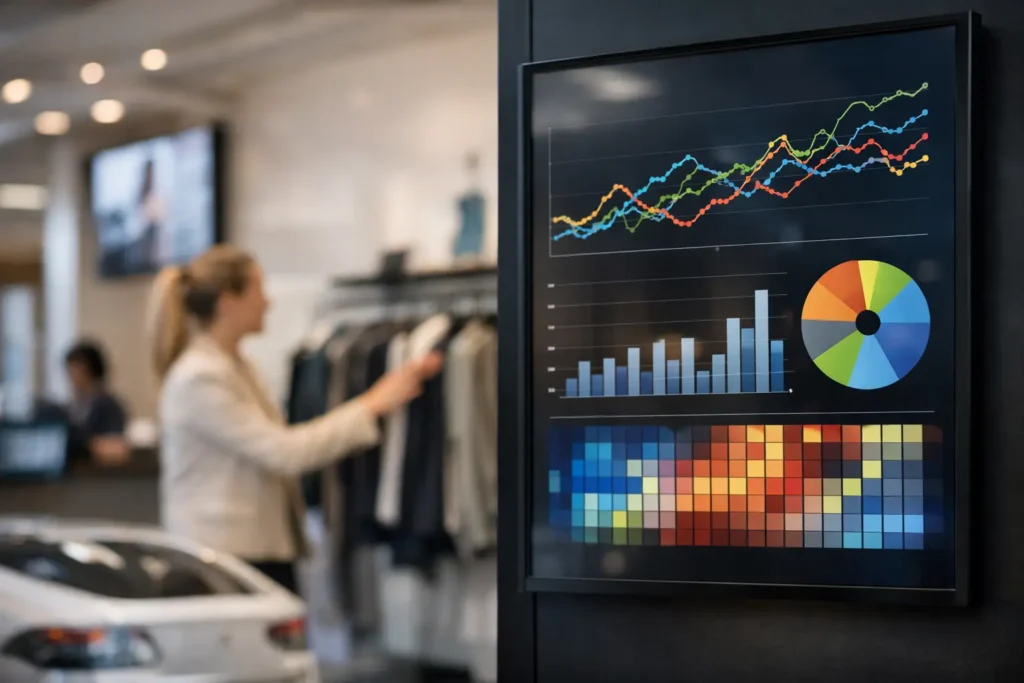
A lobby screen still showing yesterday’s meeting schedule is more than a small mistake. In a retail store, clinic, campus, or warehouse, outdated screen content creates confusion fast. That is why real time data driven signage matters. It turns screens from passive displays into active communication tools that reflect what is happening right now, not what someone remembered to update this morning.
For teams managing multiple screens, the real value is not just speed. It is accuracy, consistency, and less manual work. When the right data feeds the right screen automatically, staff spend less time chasing updates and more time running the operation.
What real time data driven signage actually means
Real time data driven signage uses live or frequently refreshed data to update screen content automatically. Instead of rebuilding slides every time a number changes, the display pulls from a source such as scheduling software, queue systems, production dashboards, spreadsheets, internal databases, or business applications.
That can mean a corporate screen showing today’s room bookings, a hospital display updating wait times, or a manufacturing board reflecting current output. The content is still designed to be readable and on-brand, but the information inside it changes based on live inputs.
This is where many organizations get the concept wrong. They assume real-time signage requires a custom-built system, a design team, and constant IT involvement. In practice, it depends on the workflow you choose. If your content creation process is familiar and your deployment model matches your environment, real-time updates can be much more accessible than expected.
Why static screen management breaks down
Manual updates work for a while. A single office screen with a few announcements is manageable. The problem starts when content changes often, different departments need access, or multiple locations depend on the same information.
At that point, static workflows create friction. Someone has to edit the content, export it, upload it, schedule it, and check that it is actually playing on every screen. If the underlying data changes again an hour later, the cycle repeats. That is not a signage strategy. That is a bottleneck.
Real time data driven signage reduces that bottleneck by separating layout from changing information. Your team can build a professional template once, then let the data update the content inside it. That shift matters because it improves both speed and governance. Marketing keeps control over branding, operations gets current information on screen, and IT does not have to support a patchwork of manual processes.
Where live signage delivers the biggest operational gains
The best use cases share one trait: the information has a short shelf life. When content changes throughout the day, automatic updates save time and reduce avoidable errors.
In retail, that might be inventory status, promotional triggers, store-level KPIs, or queue information. In corporate offices, it is often meeting room schedules, internal dashboards, visitor messaging, or urgent notices. Healthcare teams use live screens for wait times, patient flow updates, room status, and staff communications. Schools and universities rely on current event schedules, campus notices, transit information, and emergency messaging. Hospitality teams use dynamic displays for event agendas, wayfinding, occupancy updates, and guest information.
The common thread is usefulness. A screen should help someone make a decision, find a place, or understand what is happening now. If the content is stale, the screen starts to lose trust.
The design challenge with real time data driven signage
Live data is only valuable if people can read it quickly. That sounds obvious, but many organizations focus so much on the data connection that they neglect presentation.
A busy dashboard packed with small numbers may work on a desktop monitor. It usually fails on a lobby display viewed from 12 feet away. Good digital signage simplifies. It highlights a few meaningful metrics, uses strong hierarchy, and updates reliably without becoming visually noisy.
This is one reason familiar creation tools matter. When teams can build content in PowerPoint, they are more likely to produce layouts that communication managers, operations leads, and department owners can review together. That shortens approval cycles and lowers the training barrier. It also keeps signage production in the hands of people who understand the message, not just the software.
Cloud or on-premises depends on the job
Not every real-time signage deployment should be handled the same way. Some organizations want cloud-based control because it makes remote management easier across many locations. Others need on-premises delivery because the data is sensitive, the network environment is controlled, or the screens must respond instantly to internal systems.
This is where deployment flexibility becomes practical, not technical. A cloud setup can be ideal for scheduled programming, centralized publishing, and broad network management. An on-premises model often makes more sense when live operational data needs to stay inside the organization or when automated updates depend on local systems.
The right answer depends on your infrastructure, security requirements, and update frequency. If the data changes every few seconds and originates from internal tools, on-premises deployment may be the better fit. If your priority is managing many screens across distributed sites with minimal overhead, cloud management may be more efficient.
How to implement it without creating more complexity
The biggest mistake teams make is starting with technology instead of workflow. Before choosing data sources or screen players, define what each screen is supposed to do.
A break room display has a different purpose than a patient waiting area or a production floor board. Once the purpose is clear, decide what information truly needs to update automatically and what can remain scheduled. Not every message needs to be live. In fact, mixing static branded content with data-driven sections often creates the best viewing experience.
Next, standardize templates. This is where a PowerPoint-first workflow can save significant time. Teams already know how to work in PowerPoint, which means they can build, edit, and approve content faster. Instead of introducing specialized design software and training every contributor, you use a tool people already understand.
Then connect the content to the right management model. Some organizations need remote publishing to many displays from one dashboard. Others need real-time local control for screens tied to internal operations. Matching the platform to the use case keeps the project manageable.
For businesses that need both simplicity and live automation, SignageTube supports this split well with cloud-based management for broad screen networks and an on-premises option for real-time, automated data-driven updates.
Governance matters more than most teams expect
Once screens become useful, more departments want access. That is a good sign, but it can create chaos if no one owns standards.
Real time data driven signage works best when roles are clear. Someone should own templates, someone should approve data sources, and someone should manage publishing rights. Without that structure, screens can become inconsistent or overloaded with competing messages.
This does not need to be bureaucratic. In most organizations, a lightweight governance model is enough. Keep approved templates centralized, limit who can edit live data mappings, and establish simple rules for readability, scheduling, and emergency overrides. That gives teams autonomy without losing control.
What success looks like
A strong signage rollout is not measured only by whether the screen turns on. It shows up in reduced manual updates, fewer communication errors, faster publishing, and better consistency across locations. It also shows up in trust. Staff start relying on the screen because they know the information is current.
That trust is the real payoff. A screen that reliably reflects live schedules, operational metrics, or urgent notices becomes part of the workflow. It stops being a decorative display and starts doing real work.
If you are considering real time data driven signage, keep the goal simple. Build around content your audience actually needs, use tools your team can handle without heavy training, and choose a deployment model that fits your environment. The smartest screen strategy is usually the one your team can keep running well next month, not just the one that looks impressive on launch day.