
How to Install and Connect your SignageTube Player app from the Google Play Store

SignageTube player app Google Play Store
Installing the SignageTube Player on your Android device is quick and straightforward. This guide walks you through downloading the app from the Google Play Store, linking your device to your SignageTube account, and configuring essential playback settings. You’ll learn how to activate your screen, manage content from the cloud, and ensure smooth, reliable digital signage performance. Whether you're setting up one display or an entire network, this tutorial helps you get your screens running in minutes.
install signagetube app google play store on androidphone

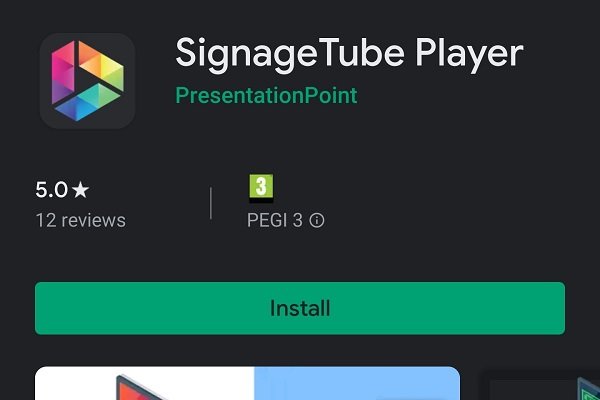
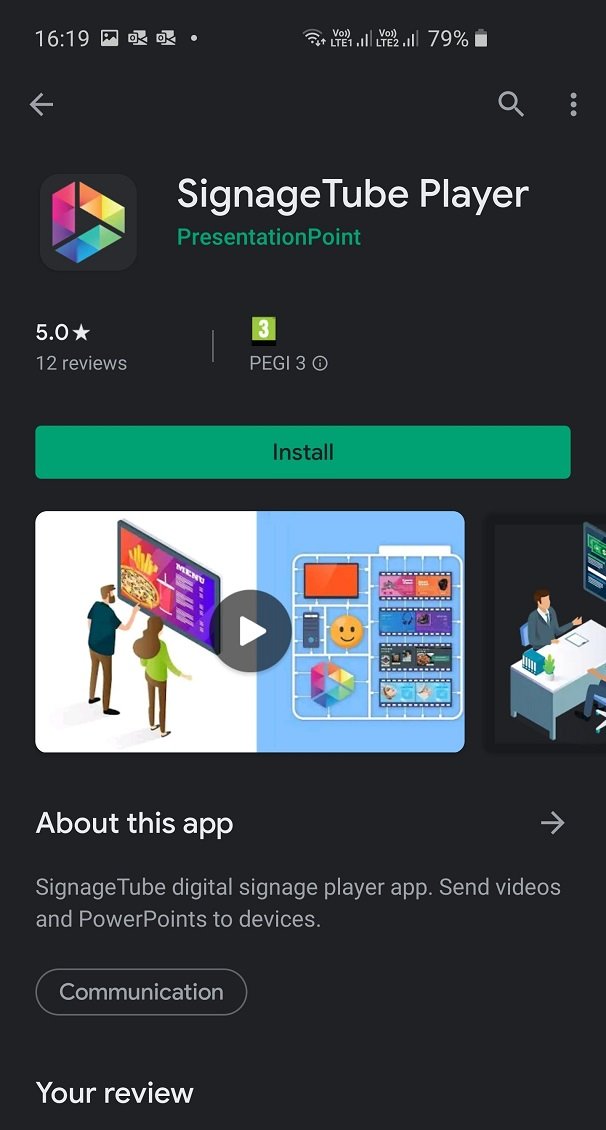
We wrote a manual on how you can use the SignageTube Player app for Android devices from the Google Play Store. Read these step-by-step instructions on how to download and install the SignageTube Player app on Android devices like Android phones, Android tablets or Android-driven smart TVs.

After that you explore how to connect your Android device to your SignageTube cloud environment and start sending digital signage presentations and movies to your Android devices. Setting up an Android phone for the first time, and connect it to your SignageTube account, will not take more than 10 minutes.

Read the installation manual.

SignageTube
Privacy Overview

This website uses cookies so that we can provide you with the best user experience possible. Cookie information is stored in your browser and performs functions such as recognising you when you return to our website and helping our team to understand which sections of the website you find most interesting and useful.