
If you already know PowerPoint, you already have a powerful digital signage design studio.
What most organizations don’t have is a simple way to publish those slides to one screen or a thousand, keep them on schedule, and update them instantly when the real world changes. That’s where cloud-based and real-time, data-driven digital signage becomes a game-changer.
SignageTube (an INSYNCR product) is built for exactly this: effortless PowerPoint-based signage in the cloud, plus advanced real-time data integrations when you’re ready to go beyond “static slides.” You can explore the platform here: SignageTube cloud-based digital signage.
Why PowerPoint is still the fastest way to create signage content
PowerPoint remains the most practical content tool for busy teams because it’s familiar, flexible, and collaborative. With the right signage platform behind it, PowerPoint becomes more than a presentation file—it becomes a scalable content system.
With SignageTube Cloud, you can design in PowerPoint and publish without needing specialized creative software, then manage playlists and schedules centrally from a web dashboard. SignageTube positions this as “PowerPoint-based design” with smart scheduling and true cloud management. SignageTube Cloud.
What “cloud PowerPoint signage” should deliver (at minimum)
A cloud solution should help you move faster, not add more tools. Look for the basics that remove friction:
- Upload your PowerPoint and other common media formats into playlists (SignageTube supports PowerPoint formats and video formats for playlists). SignageTube contact FAQ
- Schedule content ahead of time with timezone-aware control and bulk deployment. SignageTube Cloud
- Manage multiple sites and screens remotely, with live visibility into what’s playing. SignageTube home
Cloud-based digital signage: PowerPoint to screens with minimal effort
Cloud signage is about removing constraints: no single “control computer,” no on-prem server headaches, and no scramble when you need to change tomorrow’s content after you’ve already left the building.
SignageTube Cloud is designed for fast rollout with features like smart scheduling, cross-platform playback options, automatic updates, and centralized management. SignageTube Cloud.
The workflow that makes cloud signage feel effortless
A practical cloud workflow looks like this:
- Create your slides in PowerPoint (use your brand fonts, animations, and layouts).
- Upload the PowerPoint file into your signage library.
- Add it to a playlist alongside videos and images.
- Schedule the playlist to one screen, a group, or multiple locations.
- Monitor what’s live and adjust anytime from your browser.
SignageTube describes this approach through playlist creation, scheduling via a wizard, file synchronization, and live monitoring. SignageTube Cloud.
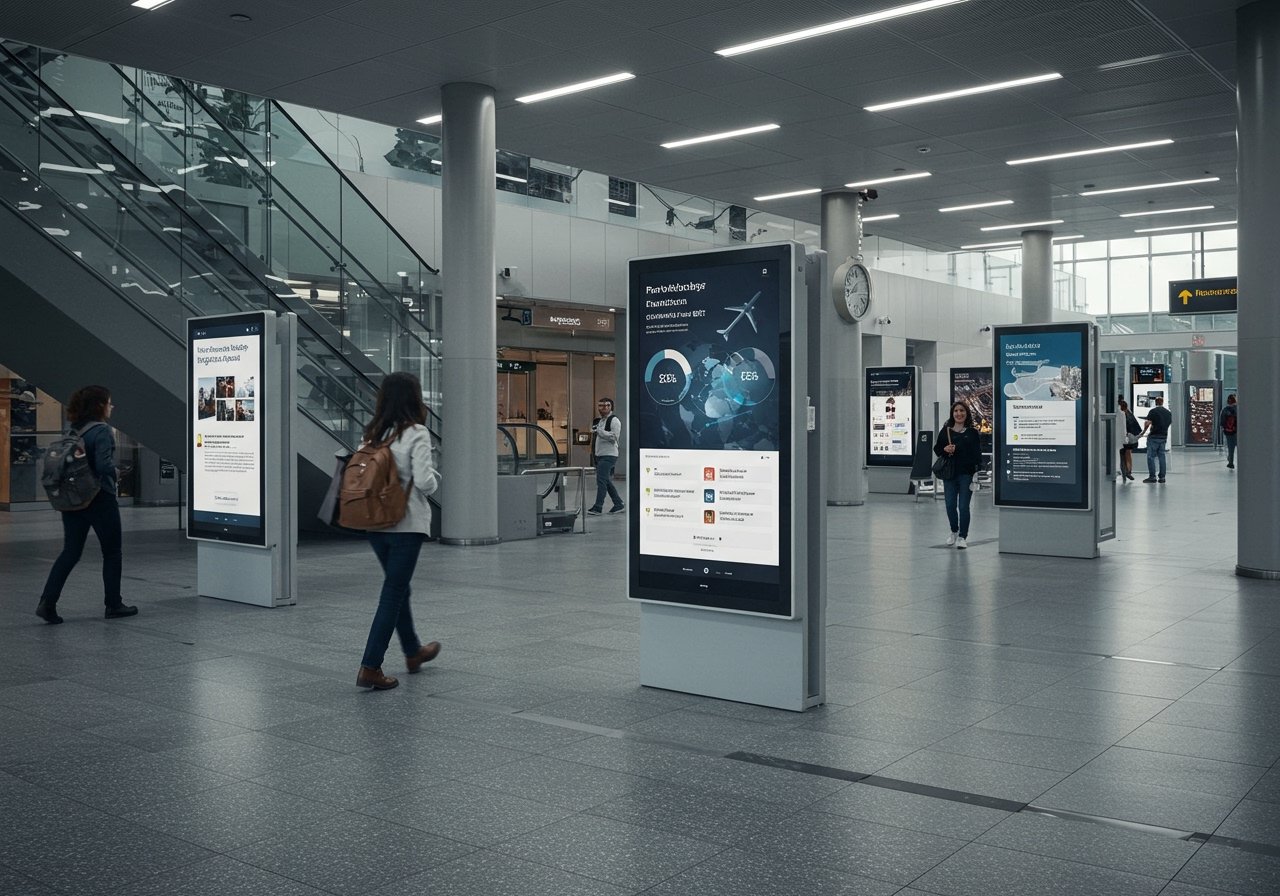 Real-time digital signage: when PowerPoint becomes data-driven
Cloud signage helps you publish. Real-time signage helps you perform.
Real-time, data-driven signage means your screens reflect live operational reality: sales pacing, production output, wait times, project KPIs, inventory availability, or service SLAs—without someone manually editing slides every day.
SignageTube Live is built for these scenarios, enabling PowerPoint slides to connect to business data sources such as Excel and SQL databases so your signage updates automatically when the data changes. Advanced features of SignageTube Live.
Where real-time PowerPoint signage delivers the biggest wins
Real-time signage creates value anywhere “status changes fast”:
- Manufacturing and logistics: throughput, safety metrics, shift performance, line stoppages
- Retail and QSR: daily targets, promo compliance, stock exceptions
- Corporate and operations: KPI walls, incident tracking, live team dashboards
- Education and public spaces: dynamic schedules, alerts, occupancy and queue messaging
If your teams are already tracking data in spreadsheets or databases, you’re closer to real-time signage than you think.
Cloud vs real-time: what to choose (and when)
Most organizations start with cloud scheduling, then expand into real-time once they identify the screens that need automation.
| Need | Best fit | Why it works |
|---|---|---|
| Rotate branded promos, announcements, menus, event slides | Cloud-based PowerPoint signage | Upload + playlist + scheduling keeps content consistent across locations. SignageTube Cloud |
| Reduce manual slide edits for metrics and dashboards | Real-time, data-driven signage | Your PowerPoint visuals can update automatically from Excel/SQL data sources. SignageTube Live features |
| Operate multiple locations with consistent playback | Cloud + centralized management | Remote control, bulk deployment, and multi-site capability support scale. SignageTube Cloud |
| Prove what played and when (compliance, campaigns) | Cloud with logging | Proof-of-play style logging helps track playback activity. SignageTube Cloud |
Make PowerPoint signage feel dynamic (even before you go real-time)
You don’t need live data on day one to make your signage more engaging. PowerPoint animations and transitions can create motion that grabs attention—especially in retail, hospitality, lobbies, and internal comms.
SignageTube shares practical guidance on designing animated PowerPoint content and then assigning it to playlists and schedules in the dashboard. PowerPoint animations for digital signage.
What to prioritize for a smooth rollout
If you want cloud and real-time to actually work in day-to-day operations, focus on these three priorities:
1) Standardize your slide “building blocks”
Create a small library of reusable PowerPoint layouts:
- Promo slide (headline, image, price, CTA)
- Announcement slide (date, location, QR code)
- KPI slide (one metric, one trend, one target)
- Alert slide (high contrast, large type)
This keeps your signage consistent across teams and locations.
2) Build playlists around moments, not media types
Instead of “videos playlist” and “PowerPoints playlist,” try:
- Morning rush playlist
- Lunch playlist
- After-hours playlist
- Event-day playlist
- Safety playlist
Then schedule by location and daypart.
3) Decide which screens deserve real-time automation
Not every screen needs live data. Start by asking:
- Which screens drive decisions (not just awareness)?
- Which messages are edited repeatedly (weekly or daily)?
- Which metrics create action when they change?
Those screens are your best first candidates for SignageTube Live-style integrations. Advanced features of SignageTube Live.
Next step: go from “slides on TVs” to a real communication system
PowerPoint digital signage is easy to start—but the real advantage comes when you combine:
- Cloud scheduling for consistency and scale
- Real-time, data-driven updates for operational relevance
If you want to explore the right setup for your screens (cloud-only, real-time, or a hybrid), SignageTube invites teams to discuss real-time signage needs and get expert advice. Contact SignageTube