
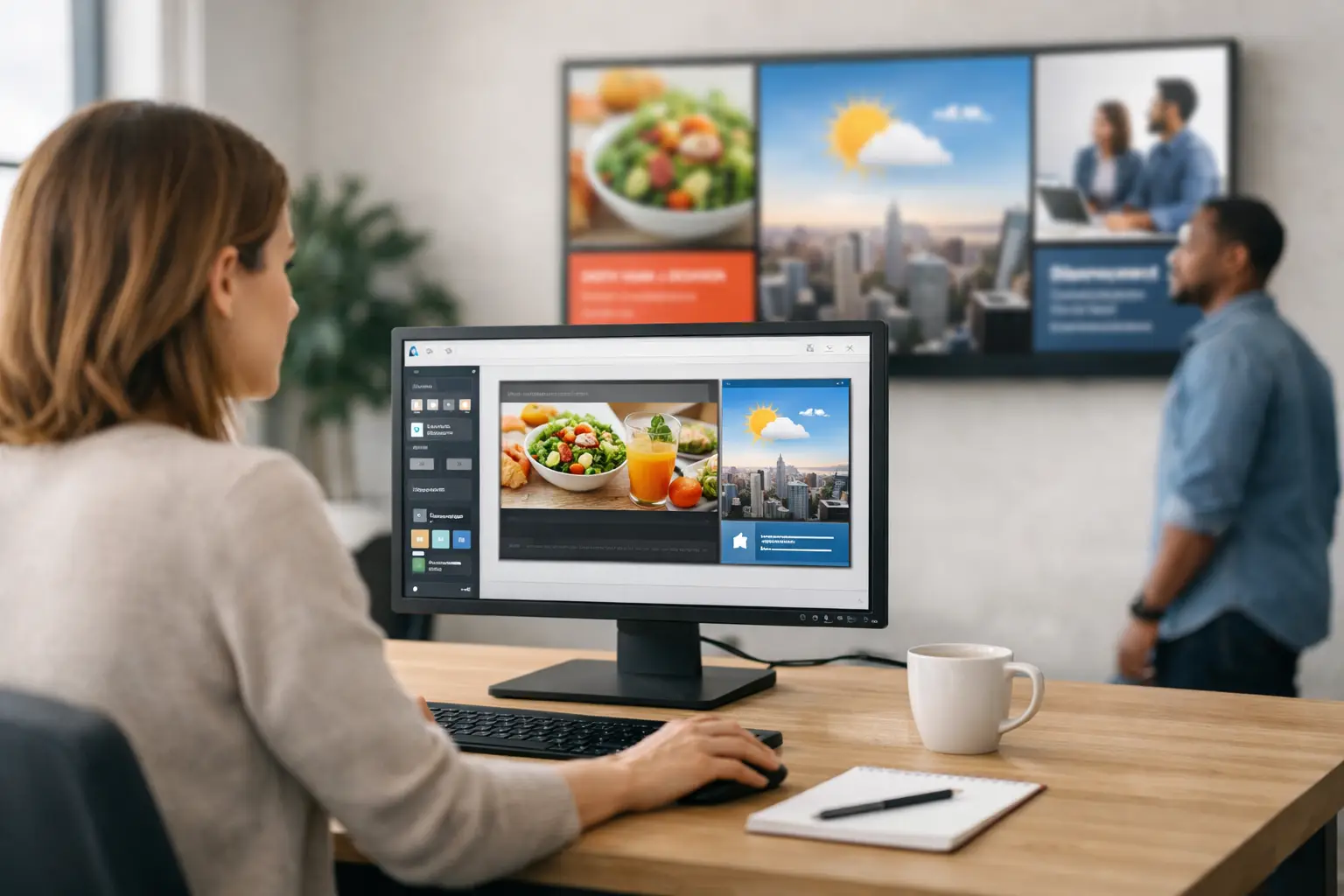
If your team needs to update screens by Friday and nobody has time to learn design software, the best digital signage software for non designers should feel familiar from day one. That usually means less time building layouts from scratch and more time getting the right message onto the right screens.
For most organizations, digital signage is not a design challenge. It is an operations challenge. Retail teams need promotions live at the right time. Internal communications teams need company updates across offices. Healthcare, education, and hospitality teams need reliable screen content without chasing a designer for every change. When software is too design-heavy, updates slow down, quality becomes inconsistent, and screens start showing stale content.
What makes the best digital signage software for non-designers
Non-designers do not need unlimited creative freedom. They need guardrails, speed, and a workflow that matches how they already work. The best platforms make content creation simple enough for everyday staff while still giving managers control over scheduling, approvals, and screen networks.
The first thing to look for is a familiar content creation process. If your team already uses PowerPoint, templates, shared brand assets, and standard slide decks, that is a major advantage. Reusing those skills cuts training time and lowers the odds that digital signage becomes a project owned by just one specialist.
The second requirement is easy scheduling. Creating a good-looking screen is only half the job. Teams also need to decide where content plays, when it starts, how long it runs, and what should replace it later. If scheduling feels technical, non-designers will avoid using it and fall back on manual workarounds.
The third requirement is centralized management. Once you move beyond one or two screens, control matters more than flashy features. The software should let you manage many displays, organize content by location or department, and update programming remotely without unnecessary steps.
Why many digital signage tools fail everyday teams
A lot of platforms are built as if every customer has an in-house design department. They offer advanced canvas tools, deep visual controls, and endless customization. That can sound appealing during evaluation, but it often creates friction once the system is live.
Non-designers tend to run into the same problems. They spend too long arranging elements on screen, struggle to keep layouts brand consistent, and hesitate to make updates because they are afraid of breaking the design. In practice, that means more bottlenecks and fewer timely updates.
There is also a governance issue. IT and operations leaders usually want a system that many people can use without creating chaos. If every user builds content differently, the screens may look inconsistent across locations. Good signage software solves that with templates, permissions, and structured publishing rather than relying on everyone to become a part-time designer.
The easiest workflow is usually the best one
For non-designers, the strongest workflow is often the simplest one: create content in a tool your team already knows, upload it, schedule it, and publish it across screens. That is why a PowerPoint-first model is so effective in business environments.
PowerPoint is already part of how many organizations communicate. Teams use it for promotions, announcements, event slides, menus, performance dashboards, and internal updates. Turning those existing presentations into digital signage removes a major barrier to adoption. Instead of introducing a new design system, you extend a familiar process into screen publishing.
This approach also improves speed. Marketing can prepare branded slides. Operations can update location-specific messages. HR can publish internal communications. Department managers can make routine edits without waiting for creative support. The result is not just easier content creation. It is a faster communication cycle.
Best digital signage software for non-designers should include these capabilities
Ease of use matters, but it should translate into real operational benefits. When evaluating software, look beyond the interface and pay attention to how work actually gets done.
Templates are essential. They help teams produce polished content without starting from a blank screen, and they protect brand consistency across multiple users and locations. A platform built around professional templates gives non-designers a strong starting point while still allowing practical edits.
Remote publishing is equally important. If someone has to stand in front of a screen to make updates, the system will not scale well. Cloud-based management is especially useful for organizations with multiple sites because it lets teams push updates from one place, maintain schedules, and respond quickly when messaging changes.
Scheduling should be straightforward enough that a manager can set daily, weekly, or campaign-based programming without extra help. It should also support content rotation, date-based publishing, and location targeting. These features sound basic, but they are what make digital signage usable in the real world.
Playback flexibility matters too. Some organizations prefer cloud management for convenience. Others need on-premises control because of network rules, security requirements, or real-time data workflows. The best fit depends on your environment, not just the software feature list.
Cloud or on-premises depends on your operating model
For many teams, cloud-based digital signage is the simplest starting point. It supports remote management, easy rollout, and centralized control across locations. If your priority is fast deployment with minimal overhead, a cloud model is usually the most practical choice.
That said, some organizations need tighter local control. Hospitals, manufacturing sites, campuses, and certain enterprise environments may require on-premises deployment for compliance, network isolation, or automated real-time updates from internal systems. In those cases, ease of use still matters, but deployment flexibility becomes part of the buying decision.
A practical platform should support both scenarios well. It should not force an operations team into a technical setup that does not match internal requirements.
What a strong non-designer workflow looks like in practice
A good test is to imagine a normal content request. A regional manager wants to run a new promotion across 20 stores next Monday. The creative team already has a PowerPoint deck with approved branding. The ideal process is simple: update the slides, upload the presentation, assign it to the correct screens, schedule the dates, and publish.
Now imagine an internal communications use case. HR needs to post open enrollment reminders in break rooms, office lobbies, and employee cafés. They should be able to use a template, make edits themselves, and schedule content by location without filing tickets with IT or marketing.
When digital signage software supports that kind of workflow, adoption tends to grow. More departments use the screens because the process no longer feels specialized. That is a strong signal that the platform fits non-designers well.
Where SignageTube fits
SignageTube is built around the idea that screen communication should not require specialized design software. Teams can create content in PowerPoint, use professional templates, and publish to one or many displays through a workflow that is easy to learn and manage. For organizations that need remote management, SignageTube Cloud supports centralized scheduling and control. For environments that need local deployment and automated real-time updates, SignageTube Live provides an on-premises path.
That combination is especially practical for organizations trying to scale screen communications without increasing creative overhead. It gives non-technical users a familiar way to create content while still supporting the governance and deployment needs that IT and operations teams care about.
How to choose confidently
The best choice usually comes down to one question: can your everyday team keep screens updated without specialist help? If the answer is no, the software may look capable but still fail in daily use.
Look for a platform that reduces training, supports reusable templates, simplifies scheduling, and lets you manage screens centrally. If your team already works in PowerPoint, that should weigh heavily in your decision because existing habits are easier to scale than brand-new ones. Also consider whether you need cloud management, on-premises deployment, or both over time.
Digital signage works best when it becomes part of normal business communication rather than a side project. The right software makes that possible by removing unnecessary design complexity and replacing it with a process your team can repeat with confidence.
If your goal is polished screens, faster updates, and fewer content bottlenecks, start with the tool your team is most likely to use well every week, not the one with the longest feature list.