 SignageTube
How Screen Scheduling Software Should Work
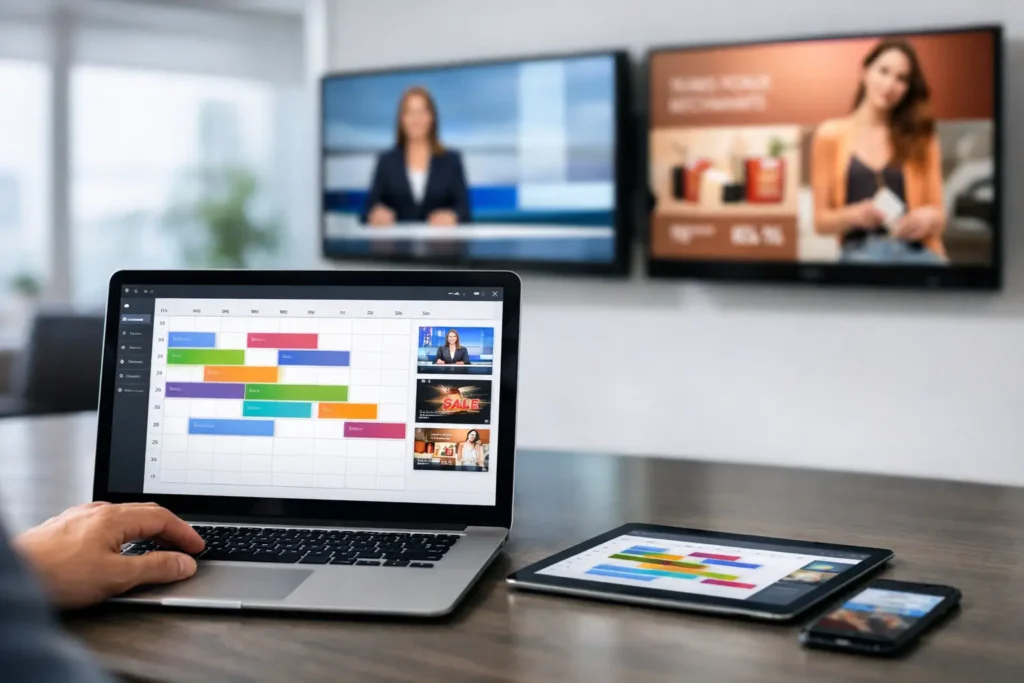
A lobby screen goes outdated faster than most teams expect. The breakfast promo is still running at 3 p.m., the HR message meant for one office shows up in every location, and someone is hunting for the one person who knows how to update the playlist. That is usually the moment organizations start looking seriously at screen scheduling software.
The problem is rarely the screen itself. It is the process behind it. If creating content takes too long, if scheduling requires too many steps, or if publishing depends on a specialist, the system slows down and screens lose value. Good digital signage is not just about what appears on display. It is about whether your team can keep content timely, accurate, and easy to manage across one screen or hundreds.
What screen scheduling software actually needs to do
At a basic level, screen scheduling software controls what plays, where it plays, and when it plays. But in practice, that definition is too narrow. For most organizations, scheduling is tied to daily operations. Marketing wants timed promotions. Internal communications needs recurring announcements. Facilities may need safety messaging pushed to every site. IT wants oversight without becoming the bottleneck.
That means the software has to do more than assign content to a time slot. It should support repeatable workflows. A team should be able to create content quickly, apply it to the right screens, set dates and times, and trust that playback will happen as planned. If every schedule change feels like a small technical project, adoption drops.
The best systems also account for different operating models. Some teams manage content centrally across many locations. Others give local managers limited control over their own screens. Some need cloud-based access from anywhere, while others require on-premises deployment because of network policies or the need for live, automated updates from internal systems. Scheduling software should fit those realities rather than forcing every organization into one model.
Why familiar workflows matter more than flashy features
A lot of digital signage projects stall for one simple reason: the content process is harder than expected. Teams may be sold on advanced playback options, but if the day-to-day workflow requires new design software, specialized training, or heavy support from IT, screen updates become inconsistent.
For many businesses, the fastest path is to build around tools people already know. PowerPoint is a strong example because it is already part of how organizations communicate. Marketing teams, office managers, school administrators, and HR staff use it every day. When screen scheduling software supports that workflow, teams can move from draft to display much faster.
This matters more than it sounds. Familiar tools reduce training time, lower resistance, and make it easier to keep screens current. A polished schedule is only useful if content is refreshed often enough to stay relevant. In practical terms, ease of creation and ease of scheduling belong together.
Screen scheduling software for growing screen networks
Scheduling one screen is simple. Scheduling fifty across departments, time zones, and locations is where cracks start to show. That is why screen scheduling software should be judged by how well it handles scale without becoming harder to use.
Centralized control is usually the first requirement. Teams need to publish the same message to multiple displays, while still allowing variations by site, department, or audience. A retailer may run chain-wide campaigns with location-specific offers. A hospital may need system-wide alerts alongside content tailored to waiting rooms, staff areas, and specialty clinics. A corporate office may share company news across all sites while each location adds local updates.
The right platform makes those layers manageable. You should be able to group screens logically, reuse templates, and schedule campaigns without rebuilding everything for each display. That saves time, but it also improves consistency. Brand standards hold up better when content is created from repeatable formats instead of one-off files.
Governance matters too. Not every user should have the same level of access. Operations leaders may need approval control, local staff may only need upload rights, and IT may want visibility into device status and deployment settings. Software that supports those roles helps organizations scale without losing oversight.
What a practical scheduling workflow looks like
In a strong setup, the workflow is straightforward. A team creates content using a familiar format, uploads it into the signage platform, chooses the target screens, and applies a schedule. That schedule might be as simple as weekdays from 8 a.m. to 5 p.m., or as layered as rotating content by daypart, location, and campaign period.
What matters is clarity. Users should be able to see what is scheduled now, what is scheduled next, and what content has priority if multiple items overlap. If the calendar view is confusing or publishing requires too many clicks, mistakes happen. Old campaigns stay live. Urgent messages get delayed. Confidence in the system drops.
This is also where previewing becomes valuable. Teams should be able to confirm how content will appear before sending it live. That reduces rework and helps non-technical users feel comfortable managing screens directly.
Reliable scheduling is not just about planned content either. Real businesses need exceptions. Holiday hours change. Weather disruptions happen. A promotion gets extended. Emergency messaging has to take precedence immediately. Good software handles planned scheduling well, but it also makes changes fast when the situation changes.
Cloud versus on-premises is not a minor detail
One of the more practical decisions in screen management is deployment. For some organizations, cloud-based scheduling is the obvious choice. It allows remote access, centralized control, and faster rollout across distributed screen networks. If your teams manage screens across stores, campuses, offices, or hospitality properties, cloud management can make day-to-day operations much simpler.
For other organizations, on-premises deployment is the better fit. That may be due to security requirements, network architecture, or a need to connect screens directly to internal data sources for real-time updates. In those cases, scheduling software should still be easy to manage, even if the infrastructure is more controlled.
The key point is that deployment affects workflow. It shapes how content is published, who manages access, and how quickly updates can happen. A platform that offers both cloud and on-premises options gives IT and operations teams more room to align the software with real organizational needs instead of forcing a compromise.
The hidden value of automation
Manual scheduling works well up to a point. Then the content volume grows, the number of screens expands, and teams start spending too much time on repetitive updates. This is where automation changes the economics of digital signage.
If the software can pull from live or recurring data sources, many screen updates no longer need hands-on intervention. Menu boards, production dashboards, employee metrics, room schedules, and operational alerts can refresh automatically. That reduces labor, but just as important, it improves accuracy. The screen reflects current information rather than yesterday’s version.
Automation does require thought. Not every message should be data-driven, and not every team needs live updating. But for organizations with operational screens, it can turn signage from a static communications tool into an active part of the workflow.
What buyers should look for before choosing a platform
The strongest buying question is not, “What features are listed?” It is, “How quickly can our team create, schedule, and manage content without extra friction?” That shifts the evaluation toward usability, governance, and rollout speed.
Look closely at how content is created. If your teams already work in PowerPoint, software that supports that path can remove a major barrier to adoption. Review how schedules are managed across multiple screens and whether templates can be reused. Consider how permissions are assigned, how remote management works, and whether the deployment model fits your IT environment.
It also helps to think beyond launch. A platform may look manageable during a pilot with five screens and one administrator. The real test comes six months later when multiple departments are involved, local teams want input, and content updates are happening every day. Simplicity at scale is what counts.
That is why many organizations prioritize platforms built for everyday business users, not just technical specialists. SignageTube is one example of that approach, combining PowerPoint-based content creation with scheduling and management tools that support both cloud and on-premises deployments.
Screen scheduling software earns its place when it makes communication easier to run, not harder to maintain. If your team can create content in a familiar way, schedule it with confidence, and keep every screen current without chasing technical help, the screens stop being a side project and start doing useful work every day.