 SignageTube
PowerPoint Signage for Retail That Scales
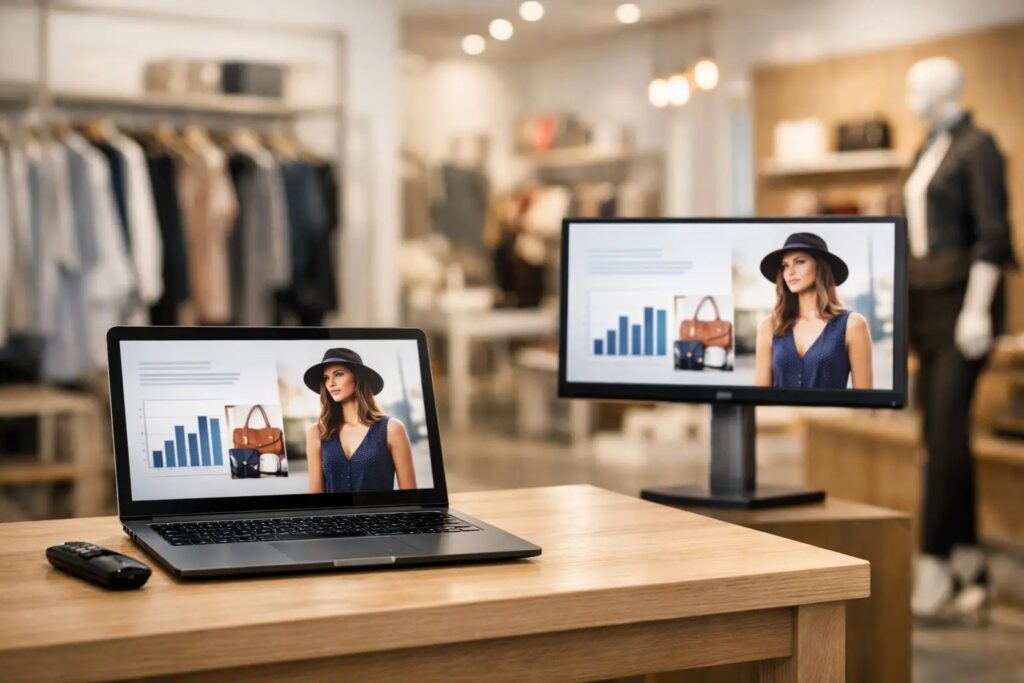
Retail screens usually fail for a simple reason: the content workflow is harder than it needs to be. A promotion changes, a seasonal display rolls in, store hours shift, and suddenly someone is hunting down design files or waiting on a specialist to update a single screen. PowerPoint signage for retail fixes that bottleneck by letting teams build screen content in a tool they already know, then publish it across one store or an entire network without turning digital signage into a design project.
That matters because retail moves quickly. Promotions are time-sensitive, product availability changes, and store teams need a way to keep screens current without depending on a long chain of approvals, exports, and manual updates. When the creation tool is familiar, rollout gets faster and more people can contribute without lowering standards.
Why PowerPoint signage for retail works
Retail operations rarely need a more complicated content process. They need a more reliable one. PowerPoint already fits how many marketing, operations, and store support teams work. It is built for arranging text, images, pricing callouts, branded layouts, and promotional messaging in a way that non-designers can handle confidently.
That familiarity has a direct operational benefit. Training time stays low, adoption happens faster, and content updates are less likely to stall with one specialist. A store promotion can be created by a marketer, reviewed by operations, and scheduled for multiple locations without forcing the team into new software or niche file formats.
There is also a consistency benefit. With approved PowerPoint templates, retail organizations can keep logos, colors, fonts, and layout rules aligned across every location. Local teams can swap in store-specific details without rebuilding the design from scratch. That is often the sweet spot – central control with enough flexibility for local execution.
What retail teams actually need from screen content
In retail, good signage is not just about looking polished. It has to support sales, reduce confusion, and keep messaging current. That means content should be easy to update, easy to schedule, and easy to tailor by location, time of day, or campaign.
A practical retail screen strategy usually includes promotional slides, brand campaigns, product highlights, queue messaging, store information, and seasonal updates. Some businesses also need employee-facing screens in back-of-house areas for internal notices, shift reminders, or operational metrics. The same PowerPoint-based workflow can support both customer-facing and staff communication if the system behind it is built for centralized management.
This is where many retailers hit a decision point. If a business only has one screen in one location, a manual process may seem manageable. Once there are multiple stores, multiple campaigns, and multiple stakeholders, manual updates start creating inconsistencies. One store runs last week’s offer, another has the wrong hours, and a third is showing a generic slide because no one had time to replace it.
The better workflow: create, schedule, deploy
The most effective setup is straightforward. Teams create content in PowerPoint, upload it into a signage platform, schedule when it should play, and assign it to the right screens. That sounds simple because it should be simple.
For retail, scheduling is where digital signage becomes operationally useful. Instead of treating each screen as a separate task, teams can plan content by campaign calendar, store group, or region. A weekend sale can be scheduled in advance. Holiday messaging can replace standard content automatically. Breakfast, lunch, and evening promotions can rotate by daypart without requiring staff to touch the screens.
That scheduling layer reduces errors and saves time, but it also gives retail teams room to plan ahead. Marketing is not scrambling on launch day. Operations is not sending out update instructions store by store. IT is not pulled into minor content changes that should never have become support tickets in the first place.
Where PowerPoint fits best in retail signage
PowerPoint is especially strong for visual content that needs to be changed often by business users. That includes sale announcements, featured products, category promotions, loyalty messaging, event signage, directional content, and branded in-store storytelling.
It is less ideal if your signage depends heavily on complex motion design created by a dedicated studio. Some high-end flagship environments may want custom animation workflows. But for the majority of retail networks, the real need is speed, clarity, and repeatability. A clean slide that is updated on time usually outperforms a more elaborate asset that arrives late or is too hard to maintain.
That trade-off matters. Retail teams often overestimate the value of design complexity and underestimate the value of operational consistency. If content is easy to refresh, screens stay relevant. If screens stay relevant, they have a better chance of influencing shopper behavior and improving the in-store experience.
Managing one store is easy. Managing fifty is different.
Scale changes everything. Once a retail business grows beyond a handful of screens, it needs governance as much as creativity. Teams need to know who can create content, who can approve it, which templates are allowed, and which screens should receive which messages.
A centralized signage platform brings order to that process. It lets teams manage multiple locations from one place, standardize playlists, and roll out content changes without relying on local USB updates or ad hoc screen controls. For corporate teams, this means better consistency. For store teams, it means fewer manual tasks. For IT, it means fewer one-off workarounds.
This is also where deployment options matter. Some retailers prefer a cloud-based approach because it supports remote management across distributed locations and speeds up administration. Others need an on-premises setup because of internal network requirements, security policies, or real-time local data integrations. The right answer depends on the environment, not on a generic best practice.
A platform like SignageTube supports both models, which gives organizations more flexibility when retail operations and IT requirements do not line up neatly.
Templates matter more than most teams expect
The fastest way to make PowerPoint signage for retail scalable is to stop treating every screen as a blank canvas. Templates give teams a repeatable system for promotions, product highlights, new arrivals, events, and store notices. That shortens production time and protects brand consistency at the same time.
Good templates do more than make slides look polished. They guide behavior. They limit overcrowded layouts, enforce readable type sizes, and keep key messages visible from a distance. In a retail setting, that is not a minor detail. Screens compete with merchandise, fixtures, foot traffic, and other visual signals. If a design is hard to scan, it fails even if it looks good on a laptop.
A practical template library also makes delegation easier. Corporate can approve the structure, while local teams update the specific message. That reduces the back-and-forth that often slows down store communications.
Common mistakes with retail screen content
The biggest mistake is trying to say too much. Retail screens are not brochures. Customers are moving, browsing, waiting, and deciding. A screen should communicate one clear idea at a time.
Another common issue is ignoring context. Content near checkout has a different job than content in a window display or fitting room area. Screens in employee spaces should not be programmed the same way as customer-facing displays. Good retail signage starts with the location, the audience, and the action you want to influence.
Teams also run into trouble when they build a nice content package but have no reliable publishing process behind it. That creates drift. Campaigns launch late, expired promotions stay live, and screen networks become inconsistent. The content itself is only half the system. The management layer is what keeps it working over time.
Choosing a practical path forward
If you are evaluating PowerPoint signage for retail, the real question is not whether PowerPoint can create attractive screen content. It can. The better question is whether your organization has a fast, controlled way to turn those slides into scheduled, multi-screen communication.
That is what separates a few digital screens from a usable retail signage operation. Familiar content creation lowers the barrier for business users. Centralized scheduling keeps campaigns on track. Remote management keeps locations aligned. Flexible deployment helps the system fit the business rather than forcing the business to fit the system.
Retail teams do not need more friction dressed up as sophistication. They need a content workflow that keeps pace with store reality, gives non-technical users confidence, and makes every screen easier to manage than the posters it replaced.
If your screens are going to earn their place on the sales floor, start with the tool your team already knows – then give it the scheduling and control it has been missing.
- SignageTube Cloud – cloud-managed signage on any TV
- SignageTube Live – real-time data on your screens
- Digital signage software – how to choose, and what matters
- Templates – 120+ ready-made designs
- Pricing – simple per-screen plans