 SignageTube
How to Choose the Best Digital Signage Software
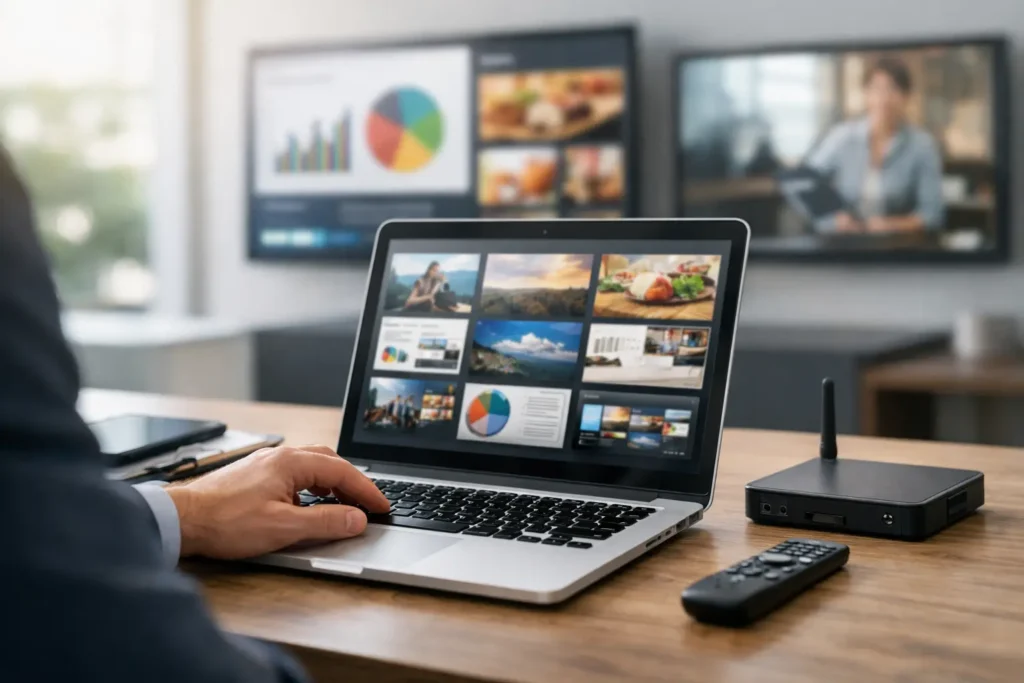
A digital signage rollout usually looks simple from the outside. Put screens on walls, add content, press play. The trouble starts a week later, when marketing needs an update by noon, operations wants location-specific messaging, IT wants control, and no one has time to learn a complicated design system.
That is why the best digital signage software is rarely the one with the longest feature list. It is the one your team can actually use, scale, and manage without turning every screen change into a mini project.
What the best digital signage software actually needs to do
For most organizations, digital signage is not a creative experiment. It is an operating tool. Retail stores use it to keep promotions current. Corporate offices use it for internal communications. Healthcare facilities use it for directional and waiting room messaging. Schools and hospitality teams rely on it to keep information visible, timely, and consistent across multiple screens.
So the software needs to support that reality. It should help teams create content quickly, schedule it without confusion, and update screens centrally. If it takes specialized design software, a steep learning curve, or constant IT intervention, it slows down the very communication it is supposed to improve.
The strongest platforms make three things easier: content production, content distribution, and content governance. Those are the real buying criteria. Fancy extras matter far less if the basics are hard.
Best digital signage software starts with easy content creation
This is where many evaluations go off track. Buyers often focus on playback or hardware compatibility first, then discover the real bottleneck is content creation. If your team cannot produce polished screen content fast, the system will not get used consistently.
That is why familiar tools matter. Many business users already know how to build presentations in PowerPoint. They can create slides, update messaging, apply branded layouts, and hand off content without waiting on a designer. A PowerPoint-first workflow removes friction because it fits how teams already work.
That kind of workflow is especially useful for multi-department organizations. HR can update internal announcements. Marketing can refresh promotions. Facilities can post building notices. Each team can work within a familiar format while maintaining brand consistency through approved templates.
The best digital signage software should make this process straightforward. Build content in a familiar tool, upload it quickly, and publish it to one or many screens. If the workflow demands too many conversion steps or requires staff to learn a brand-new creative environment, adoption usually drops.
Templates matter more than most teams expect
Templates are not just a design convenience. They are a governance tool. They help organizations keep screen content consistent across locations while giving local teams enough flexibility to make timely updates.
A good template library reduces back-and-forth, shortens review cycles, and helps non-designers create polished visuals without starting from scratch. For organizations with dozens or hundreds of screens, that can make the difference between an active signage program and one that becomes stale.
Scheduling and screen management should feel simple
Once content is ready, the next question is whether the platform can get the right message to the right screen at the right time. This is where software proves its value.
The best systems let teams schedule content by screen, group, location, or campaign without making the interface harder than the task itself. A retail chain may want one promotion to run nationally and another only in selected stores. A school may need campus-wide messaging in the morning and event content in the afternoon. A corporate office may want emergency notices to override standard playlists when needed.
Those scenarios are common, not edge cases. Software should support them without requiring a technical workaround.
Centralized control is just as important. If your team manages multiple displays, they should be able to monitor status, push updates remotely, and keep content synchronized from one place. When changes depend on local manual intervention, the system becomes harder to trust and much harder to scale.
Remote management is not just for large enterprises
Even smaller organizations benefit from centralized management. One restaurant group with several locations can save hours each week by updating menus, promotions, or announcements from a central dashboard instead of relying on staff in each location.
The same applies to healthcare clinics, banks, and office networks. If screen communication is part of day-to-day operations, remote management is a practical requirement, not an advanced feature.
Cloud versus on-premises depends on your operating environment
This is one of the most important decisions, and it is not one-size-fits-all.
Cloud-based digital signage software works well for organizations that want fast deployment, remote access, and simplified administration. It is often the right fit for distributed businesses, marketing teams, and operations groups that need to update screens across multiple locations without being on-site. For many use cases, cloud management gives teams the speed and flexibility they need.
On-premises deployment makes sense when organizations need tighter control over infrastructure, network policies, or real-time local data handling. Some environments have stricter IT requirements or operational systems that need automated updates on internal networks. In those cases, an on-premises model can better align with security, governance, or performance needs.
The best digital signage software should give buyers a clear path based on operational requirements, not force a single deployment model on every organization. That flexibility matters because signage often sits at the intersection of marketing, IT, and operations. Each group brings different priorities.
A practical example is SignageTube, which supports both cloud-based management and on-premises deployments for real-time, automated screen updates. That kind of split approach reflects how organizations actually buy software. Some want speed and remote access. Others need local control. Many need the option to choose by use case.
The platform should work for both non-technical users and IT
This balance is where many software tools either win or lose support internally.
Non-technical teams need a system they can use with confidence. That means predictable workflows, familiar content tools, reusable templates, and scheduling that does not feel like programming. If business users can handle daily updates on their own, the signage program moves faster and stays current.
IT teams need a different kind of reassurance. They care about device management, user permissions, deployment control, and whether the platform can fit into existing infrastructure. If the software creates governance problems or requires excessive support, adoption will slow down even if the front-end experience looks polished.
The best digital signage software respects both sides. It gives business teams enough independence to move quickly while keeping administration structured and controlled. That balance is especially important in larger organizations where multiple departments share responsibility for messaging.
What to look for during evaluation
A product demo can make almost any platform look capable, so the better test is to walk through your real workflow.
Start with content. How quickly can your team create a branded screen from scratch? Can they use familiar tools, or do they need training before they can publish anything useful?
Then test scheduling. Can you assign content to screen groups, set dates and times, and manage recurring updates without confusion? Can local variations be handled without rebuilding every playlist manually?
Finally, look at administration. How easy is it to add screens, monitor playback, and manage permissions? Does the deployment model fit your IT environment? Can the system support both current needs and the next phase of growth?
The right answer is usually not the platform with the most features. It is the one that reduces work across the full process from creation to playback.
A better question than who has the most features
When buyers search for the best digital signage software, they often start by asking which platform does the most. A more useful question is which platform helps your team communicate consistently with the least friction.
That shifts the decision in a better direction. Instead of chasing complexity, you focus on speed, usability, and control. Can your existing team create content without special training? Can updates happen quickly across one site or many? Can the software fit your technical environment without forcing awkward compromises?
Those are the questions that lead to a system people keep using.
The strongest digital signage programs are not built on complicated production workflows. They are built on repeatable habits – create, schedule, publish, update. When the software supports those habits cleanly, screens stay fresh, teams stay independent, and the system delivers value well beyond the initial rollout.
If you are evaluating options now, look for the platform that makes everyday communication easier tomorrow, not just the one that looks impressive in a feature comparison.