 SignageTube
When you first log in on your control panel, you’ll see there’s a auto-created player.
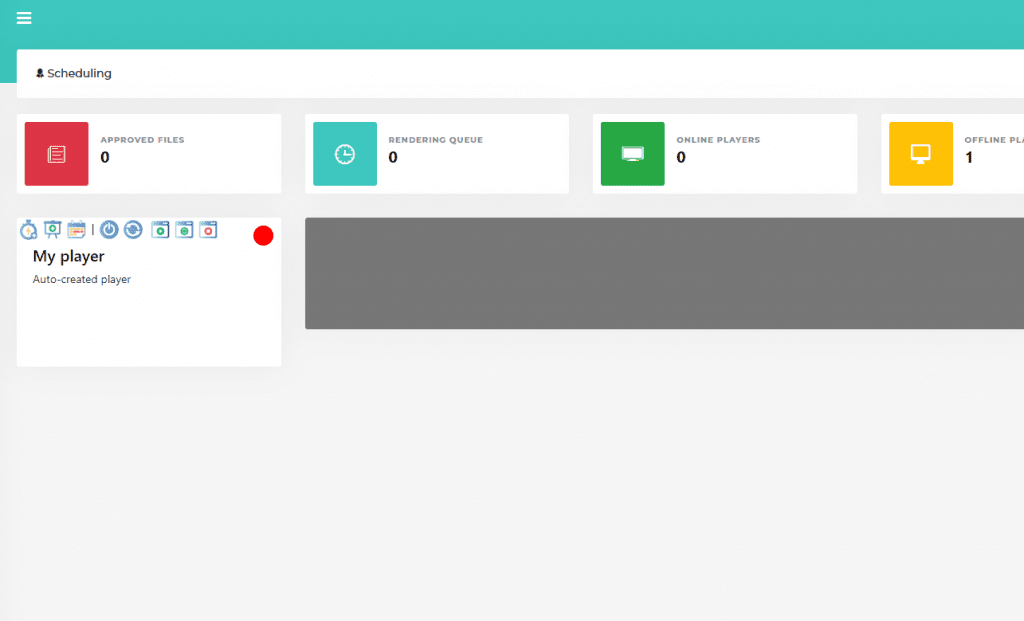
To quickly test our software or quickly set up a media, click on the Quick Start icon 
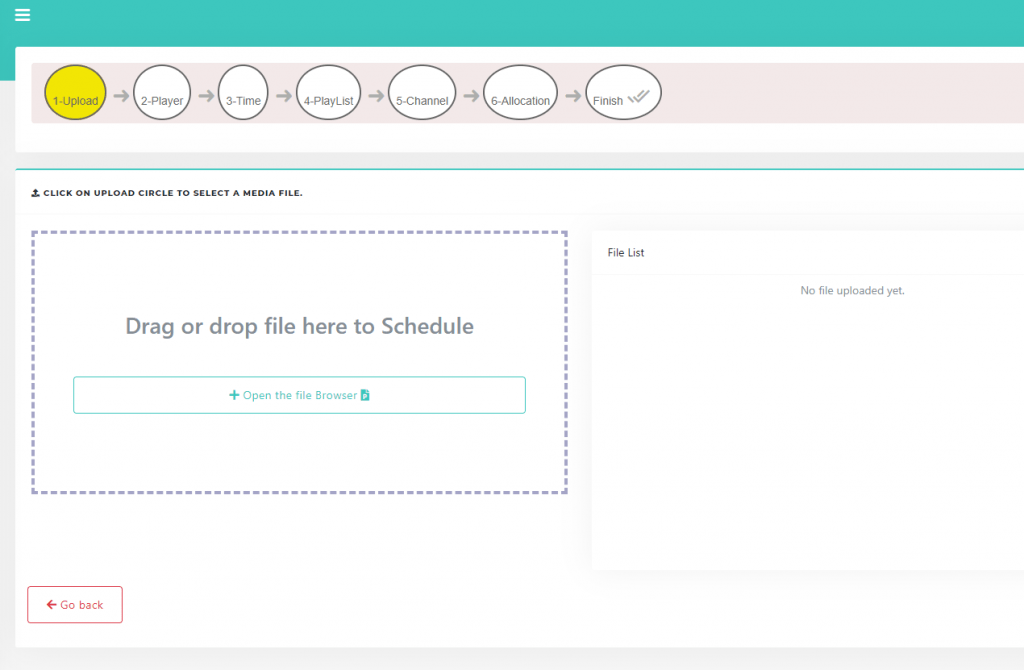
The popup for the quick start opens. Now you can upload a media file.
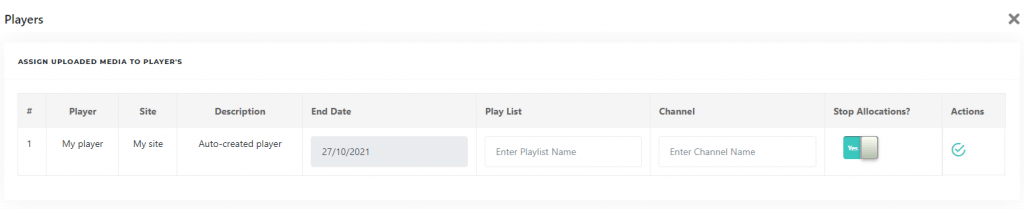
After uploading, click on the checkmark to start your player with the uploaded media. The server is going to render your presentation and copy it to your player for 24 hours, that day.
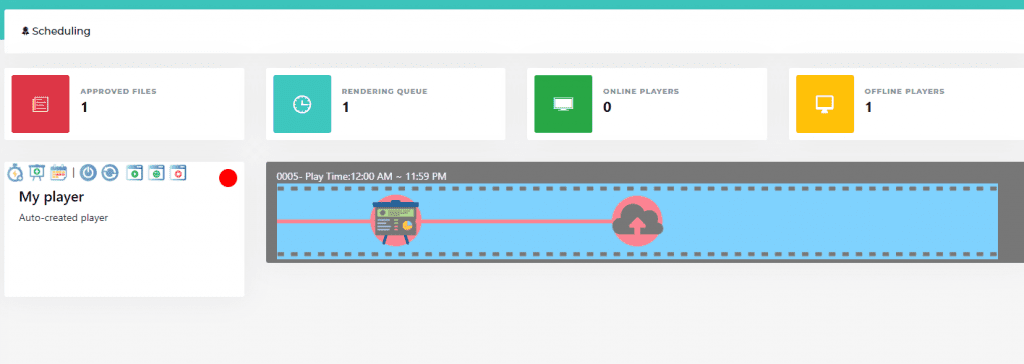
You will see a default movie in your player, this means your media file is being rendered. This should take a few minutes depending on your file size.
In the meanwhile you can link your display to your player. Click on Players in the menu on the left
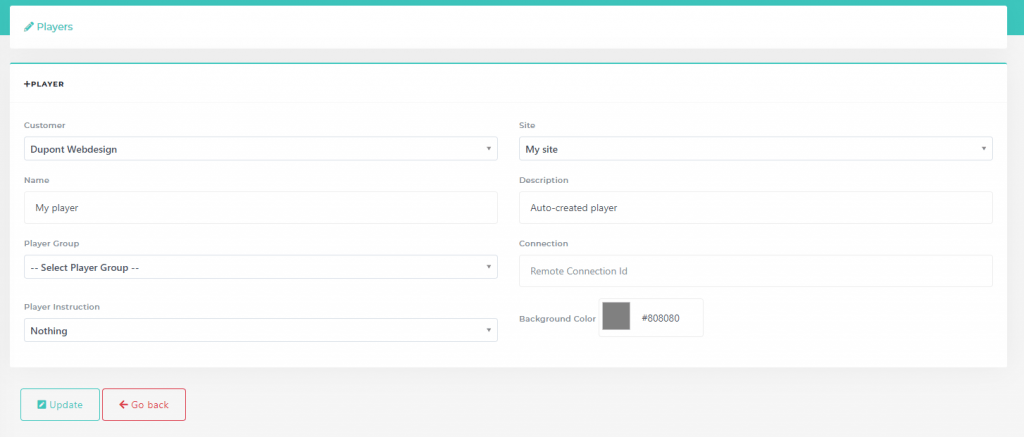
Then click the pencil icon to edit “My Player”. You will see some other information about your player and a field with “Remote Connection ID”.
Go back to the scheduling page. Check if your media file is ready, you get a notification in your mailbox.
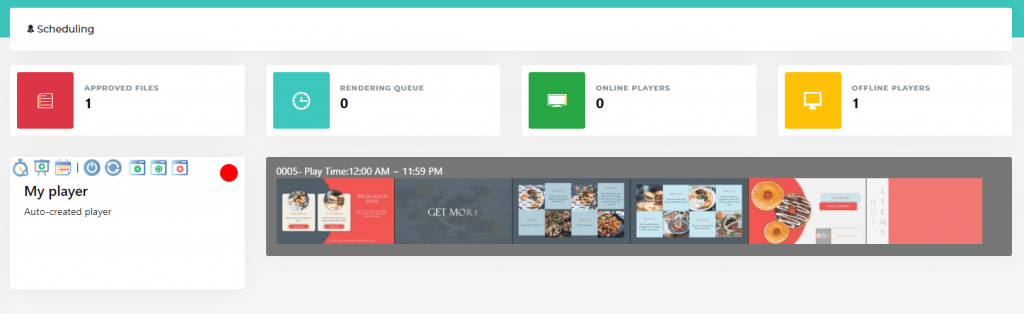
Now your display should start showing your presentation in a minute.
Go ahead in our documentation to find out more about complex setups and more settings.
Pick the edition you want to try for 15 days. No credit card, just your name and email.
Images, video, web pages, PowerPoint and Live Pages on any TV. The easiest place to start.
Start Starter trial →Real PowerPoint on Windows, a report of what played (Proof of Play) and a Control Room for all your screens.
Start Professional trial →Live data from Excel, databases and 20+ sources, screen health alerts and switching screens on and off.
Start Enterprise trial →Not sure? Start with Starter. You can move up any time.
Both come with a 15 day free trial. No credit card, just your name and email.

