
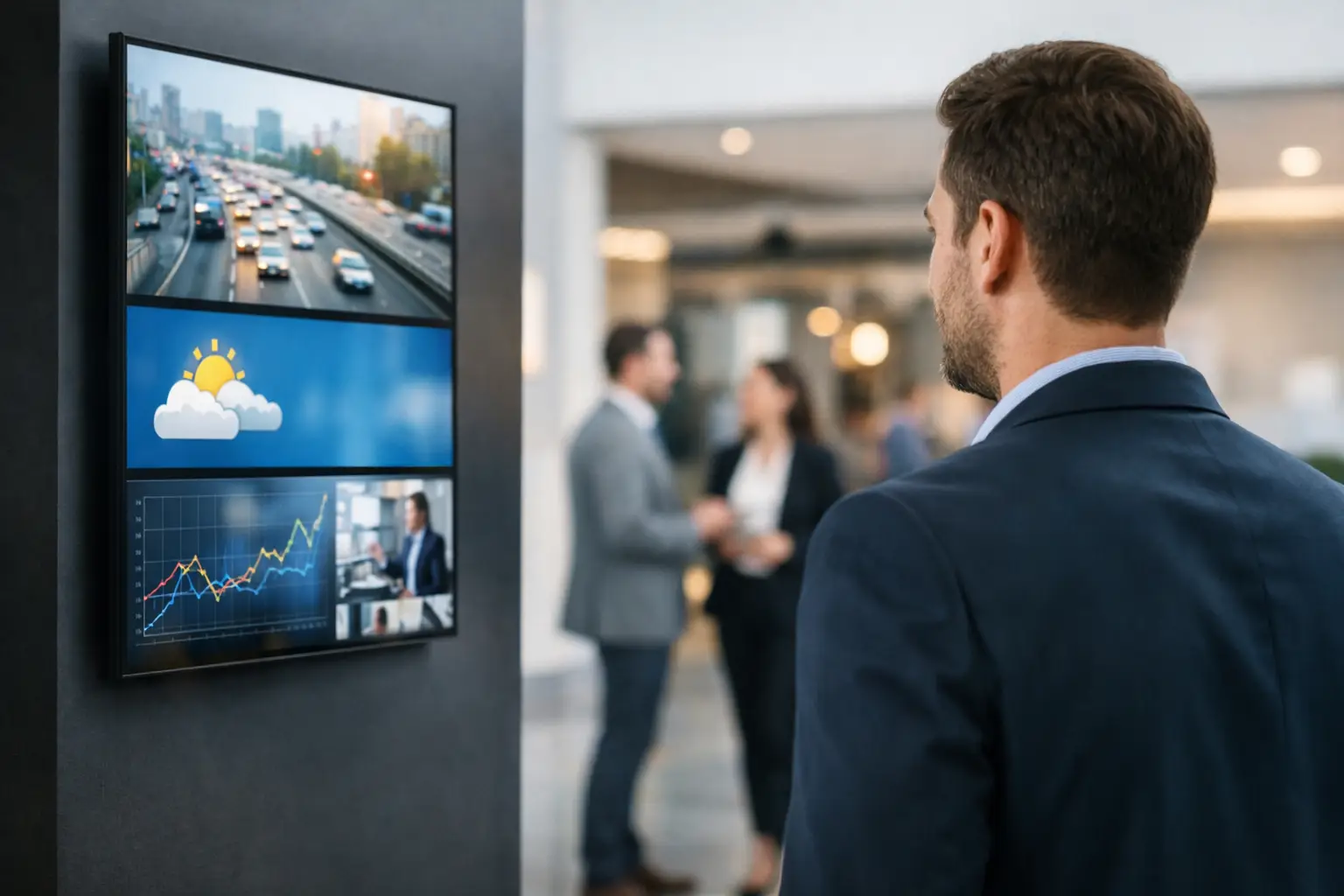
A delayed message on a screen is not a small problem when customers are waiting, staff need direction, or conditions are changing by the minute. If a menu board still shows breakfast after the cutoff, a patient screen shows outdated wait times, or a warehouse display misses a shift update, the issue is not the screen itself. The issue is timing.
That is where real-time digital signage earns its value. It turns screens from passive displays into active communication tools that reflect what is happening right now, not what was true three hours ago.
What real-time digital signage actually means
Real-time digital signage is a screen network that updates content automatically as data changes. Instead of relying on someone to manually replace slides, export graphics, or send out new files, the system responds to live inputs and refreshes screen content based on current information.
That can mean showing queue lengths in a clinic, production metrics on a factory floor, room schedules in an office, promotions tied to inventory, or emergency alerts that need to appear immediately across multiple displays. The key difference is simple: the content is driven by timing and data, not just a fixed playlist.
For many organizations, that distinction matters more than flashy visuals. A polished screen that is out of date can create confusion. A simpler screen that is accurate and current is often far more useful.
Why businesses are moving beyond scheduled playlists
Standard scheduling still matters. Most screen networks need dayparting, campaign timing, and planned content rotation. But schedules alone have limits.
A schedule works well when you know the message in advance. It is less effective when the message depends on operational data, local conditions, or events that are not fully predictable. If your screens need to react to changes in occupancy, inventory, ticketing, transportation, service status, or internal KPIs, a static content calendar becomes harder to manage.
This is why real-time digital signage is becoming an operational priority in retail, healthcare, corporate communications, education, and hospitality. Teams are not just asking, “Can we put content on screens?” They are asking, “Can the screen reflect what is happening now without adding manual work?”
That shift changes the role of signage. It stops being a design project and starts becoming part of day-to-day communication.
Where real-time digital signage makes the biggest difference
The strongest use cases are usually practical, not flashy. In retail, live content can help stores react to product availability, limited-time promotions, or local events without waiting for a designer to rebuild assets. In corporate offices, it can keep employees informed with live dashboards, meeting room status, safety notices, and internal announcements that remain relevant throughout the day.
Healthcare environments benefit when screens reduce uncertainty. Showing updated wait information, department directions, or service announcements can improve the visitor experience while reducing repetitive questions for staff. In schools, screens can display class schedules, event changes, transportation notices, and campus alerts as updates happen.
Hospitality teams often need to coordinate across guest-facing and staff-facing screens at once. Event schedules, welcome messages, restaurant updates, and service alerts all have time sensitivity. If those updates happen manually, the process can slow down quickly.
In each of these settings, the value is not just speed. It is accuracy at scale.
The operational upside is bigger than the visual upgrade
A lot of digital signage conversations start with content design. That makes sense, but it is only part of the picture. The bigger business case for real-time digital signage usually comes from operational efficiency.
When updates are automated, teams spend less time chasing down last-minute edits, sending files between departments, or trying to confirm whether every location is showing the right message. Centralized control reduces the risk of inconsistent content. It also helps organizations move faster when they need to roll out updates across many screens.
That matters for IT and operations teams as much as it does for marketing. The fewer manual touchpoints required to keep content current, the easier it is to govern the network, reduce errors, and support more locations without adding complexity.
There is also a training advantage. If a signage program depends on specialized creative tools or a small group of expert users, it tends to bottleneck. If everyday teams can build and update content using familiar tools, adoption improves and the system becomes more sustainable.
Real-time does not mean every screen should change constantly
This is one of the more common misunderstandings. Real-time digital signage is not about making content move all the time. It is about making updates happen when they should.
For some screens, that means live data every few seconds. For others, it may mean refreshing only when a schedule changes, a threshold is reached, or a new announcement is published. Overloading screens with too much movement or too many data points can make them harder to read, not more effective.
The right approach depends on the environment. A manufacturing dashboard may need frequent metric updates. A lobby display may benefit from slower changes and clearer visual hierarchy. A patient waiting area needs calm, readable information more than rapid transitions.
Good real-time signage is disciplined. It uses live updates where they improve decisions, awareness, or customer experience, and avoids them where they create noise.
What to look for in a real-time digital signage platform
The software matters more than many buyers expect. Not because the system needs to be complicated, but because the wrong workflow creates friction fast.
A practical platform should make it easy to create content, assign it to screens, control timing, and support different deployment needs. For many organizations, the fastest route to adoption is to build signage using a tool employees already know. That is one reason a PowerPoint-first workflow can be so effective. Teams can produce branded content quickly without adding design software, retraining staff, or rebuilding existing presentation assets from scratch.
From there, real-time capability needs to fit your environment. Some organizations want cloud-based management for remote control across distributed locations. Others need on-premises deployment because of security, network policy, or integration requirements. Neither model is automatically better. It depends on your IT standards, how sensitive the data is, and how your locations operate.
For teams that need automated, data-driven updates inside controlled environments, on-premises options often make sense. For teams prioritizing remote management and easier rollout across many sites, cloud management can be the better fit. The important thing is not choosing what sounds more advanced. It is choosing what your team can support consistently.
That is why platforms such as SignageTube are built around both usability and deployment flexibility. The goal is not to turn screen management into an engineering project. The goal is to help teams get accurate content on screens quickly and keep it current with less effort.
Common trade-offs to plan for
Real-time digital signage is valuable, but it is not automatic just because the software says it supports live updates. The quality of the outcome depends on the data source, the content structure, and the governance around who controls what.
If the source data is inconsistent, the screen will reflect that inconsistency. If too many departments can publish changes without standards, the network can become cluttered. If every screen is treated as a live dashboard, the viewer experience can suffer.
There is also a balance between speed and oversight. Some messages should update instantly. Others should go through approval. Operations leaders, IT managers, and communications teams usually need to agree on those boundaries early.
The best implementations start with a few high-impact use cases, then expand. That approach gives teams time to refine templates, validate data feeds, and define ownership before the screen network becomes business-critical.
How to make it work in practice
A strong rollout usually begins with one question: what information loses value if it is not current? That question helps separate true real-time needs from content that can stay on a normal schedule.
Once that is clear, the next step is to simplify the workflow. Use reusable templates. Define who updates what. Decide which screens need cloud control, which need local or on-premises handling, and what data should feed into the system automatically.
It also helps to think in terms of screen purpose, not just screen location. A break room display, a sales floor display, and a front desk display may sit in the same building, but they do not need the same content logic. Real-time signage works best when each screen has a clear job.
When the setup is right, screens become more dependable because they require less manual intervention. That is the real win. Not more movement. Not more features. Just timely information shown where it can actually help people act.
If your current screens are still waiting on manual updates, the next improvement may not be better design. It may be better timing.