
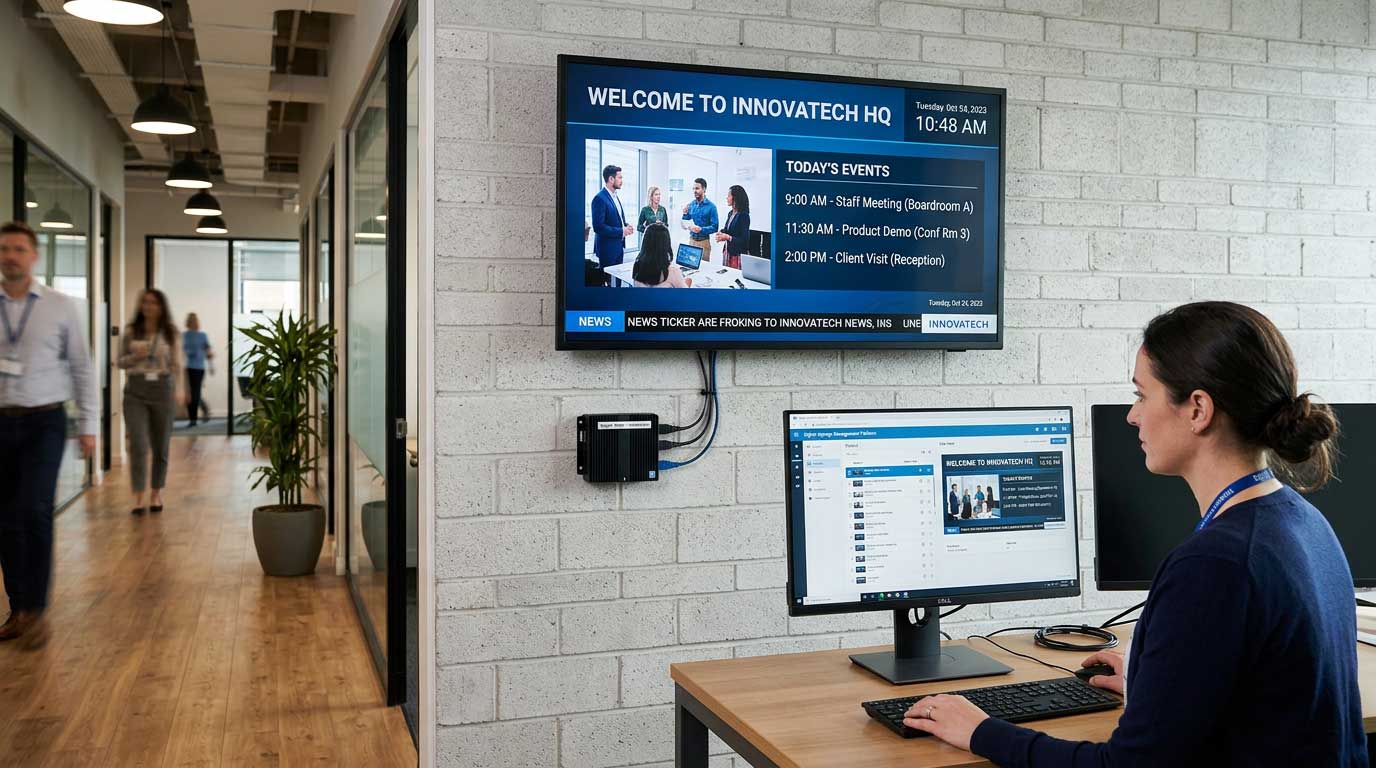
The first time a screen goes dark at 8:05 a.m. in a busy lobby, everyone suddenly cares about “who owns the screens.” Marketing wants the promotion up now. Operations wants the wait-time message corrected. IT wants to know what changed. And whoever is closest to the TV is asked to “just fix it.”
Remote management digital signage exists to stop that scramble. It turns screens into a managed communication channel – one that can be updated quickly, governed responsibly, and operated across locations without sending someone onsite with a USB drive.
What “remote management” really means for digital signage
Remote management digital signage is not just “I can change a slide from home.” It is the ability to control content, schedules, and playback behavior across one or hundreds of displays from a centralized place, with visibility into what is happening on each screen.
At a practical level, remote management typically includes three layers. First is content control: uploading new media, replacing outdated messaging, and keeping brand assets consistent. Second is scheduling: setting what plays, where, and when – and handling exceptions like holidays, emergencies, or region-specific promotions. Third is device and playback oversight: knowing whether screens are online, whether players are functioning, and whether the right content is actually showing.
When any one of these layers is missing, teams feel it. You might have a great design workflow but no scheduling discipline, so old messages linger. Or you might have scheduling but no real visibility, so no one knows a screen has been frozen for two days.
Why remote management matters more once you have multiple locations
A single screen in a single building can be managed with good intentions and a shared calendar. The moment you have multiple departments, multiple buildings, or multiple time zones, informal processes break.
Remote management matters because it reduces operational friction. Updates become a routine action instead of a project. It also reduces risk. Without governance, the wrong message can sit on a screen for weeks, or sensitive content can be displayed where it does not belong.
Most importantly, it protects speed. Digital signage is valuable because it is timely. If changing content takes three handoffs, a ticket, and a site visit, your screens turn into expensive wall decorations.
The practical workflow: how teams manage screens remotely
Remote signage management works best when it matches how real teams already operate. Most organizations have content creators who are not designers, approvers who care about compliance or brand, and operators who just need the screens to play reliably.
Content creation that does not require specialized tools
One of the biggest blockers to scaling digital signage is the assumption that every update requires a design program and a specialist. In reality, many teams already build internal comms and promotions in PowerPoint because it is fast, familiar, and easy to review.
That is why PowerPoint-first workflows are so effective for signage. You can keep slide templates consistent across departments, enable non-technical staff to build polished content quickly, and shorten the time between “we need a message” and “it is live on screens.” The remote management layer then becomes the distribution and control system, not the creative bottleneck.
Scheduling that respects locations, audiences, and timing
Remote scheduling is where digital signage becomes an operational tool. Good scheduling is not just picking a playlist. It is structuring programming so each location sees what it should, at the time it should, with the ability to override when needed.
For example, a retail chain might run national branding content everywhere, local promotions by region, and store-level messages for staffing or safety. A hospital might run patient education in waiting areas, wayfinding updates in corridors, and internal alerts in staff-only zones. Remote scheduling makes those rules enforceable without manually editing every screen.
Centralized publishing with local flexibility
There is always a tension between centralized control and local autonomy. Central teams want consistency, while local teams need relevance. Remote management should support both.
A practical approach is to define what is global and what is local. Global content can be locked to templates or required playlists, while local users can be granted permission to update specific zones or time blocks. This is where role-based access and approval workflows matter. It is not about restricting people. It is about making sure the right people can move fast without creating mess.
Cloud vs on-premises remote management: it depends on your environment
Most organizations start with cloud management because it is straightforward: log in, manage screens, and publish from anywhere. For distributed businesses, cloud is often the fastest path to rollout.
On-premises deployments can make sense when you have strict network requirements, limited or unreliable internet at sites, or a need for real-time data-driven screen updates that integrate tightly with internal systems. Some environments also prefer on-premises control because they want signage to function even during internet outages.
The trade-off is operational overhead. On-premises systems may require more internal coordination for updates, security, and maintenance. Cloud systems reduce that load but require confidence in how access, governance, and uptime are handled.
Many teams end up with a hybrid mindset: cloud for typical content management across sites, and an on-premises option for specific locations or use cases where low latency and local control are essential.
What to look for in remote management digital signage
If your goal is “we need screens,” almost any tool will look fine in a demo. If your goal is “we need this to run for years across many locations,” you need to evaluate the unglamorous details.
Visibility: can you tell what is happening without guessing?
Remote management should give you confidence that screens are online and playing the right content. At minimum, you want status visibility and an easy way to identify which screens need attention.
This is also where standardization helps. If every location uses a different player type, different naming conventions, and different scheduling habits, visibility becomes noise. A consistent structure for screens, groups, and schedules makes remote oversight practical.
Governance: who can change what, and how do you prevent mistakes?
Most signage problems are not technical failures. They are process failures. Someone publishes the wrong file. A holiday schedule does not get updated. A message is approved in email but never deployed.
Remote management should support clear roles, permissions, and optional approvals so that content changes are intentional. Governance is especially important in healthcare and education, where content may need to follow policies, and in corporate environments where internal messaging can be sensitive.
Speed: can a non-technical user make a change quickly?
The best system is the one that people actually use. If publishing requires training that only one person has, you have created a bottleneck.
Speed is not just about the platform’s UI. It is about the whole workflow: templates that reduce rework, familiar creation tools that lower the skill barrier, and publishing steps that do not require a technical escort. Platforms like SignageTube are built around this reality by letting teams create in PowerPoint and then push updates across screens without turning every change into a design or IT project.
Reliability: what happens when things go wrong?
Screens are public. Failures are visible. Remote management should make recovery straightforward. That can include being able to re-publish a playlist, swap content quickly, or isolate a problem screen without disrupting an entire network.
Reliability also includes planning for connectivity. If a location has spotty internet, you need to understand how playback behaves and what the contingency is. “Remote” should not mean “works only when the network is perfect.”
Common pitfalls when scaling remote signage management
One pitfall is treating signage as a creative channel first and an operational channel second. If your workflow depends on a designer for every update, content will slow down, and screens will go stale. Another is over-centralizing. If local teams cannot update time-sensitive information, they will bypass the system, and consistency will erode.
A third pitfall is ignoring naming and organization. Screens should be grouped in a way that matches your business: by location, department, and audience. When the structure is clear, scheduling and troubleshooting become routine instead of detective work.
Finally, do not underestimate the value of templates. Templates are not about making everything look identical. They are about reducing the cognitive load of creation so teams can focus on the message and timing. The more screens you manage, the more templates become a governance tool.
A simple way to implement remote management without chaos
Start by choosing one or two high-value screen networks to standardize, such as lobby screens and breakroom screens. Define the content owners, the approval expectations, and the update cadence. Then build a small set of templates that cover common needs: announcements, promotions, KPIs, and alerts.
Once that foundation is stable, expand by cloning the same structure to new locations. This is where remote management pays off – you are not reinventing your signage program every time you add a screen. You are extending a system.
Keep the feedback loop short. If local teams struggle to update content, the answer is usually not “train harder.” It is “simplify the workflow.” Remote management succeeds when it matches the pace of the business.
The goal is not to create the most advanced signage network on paper. The goal is to make it easy for the right people to keep screens accurate, timely, and consistent – even on the mornings when everything changes at once.