
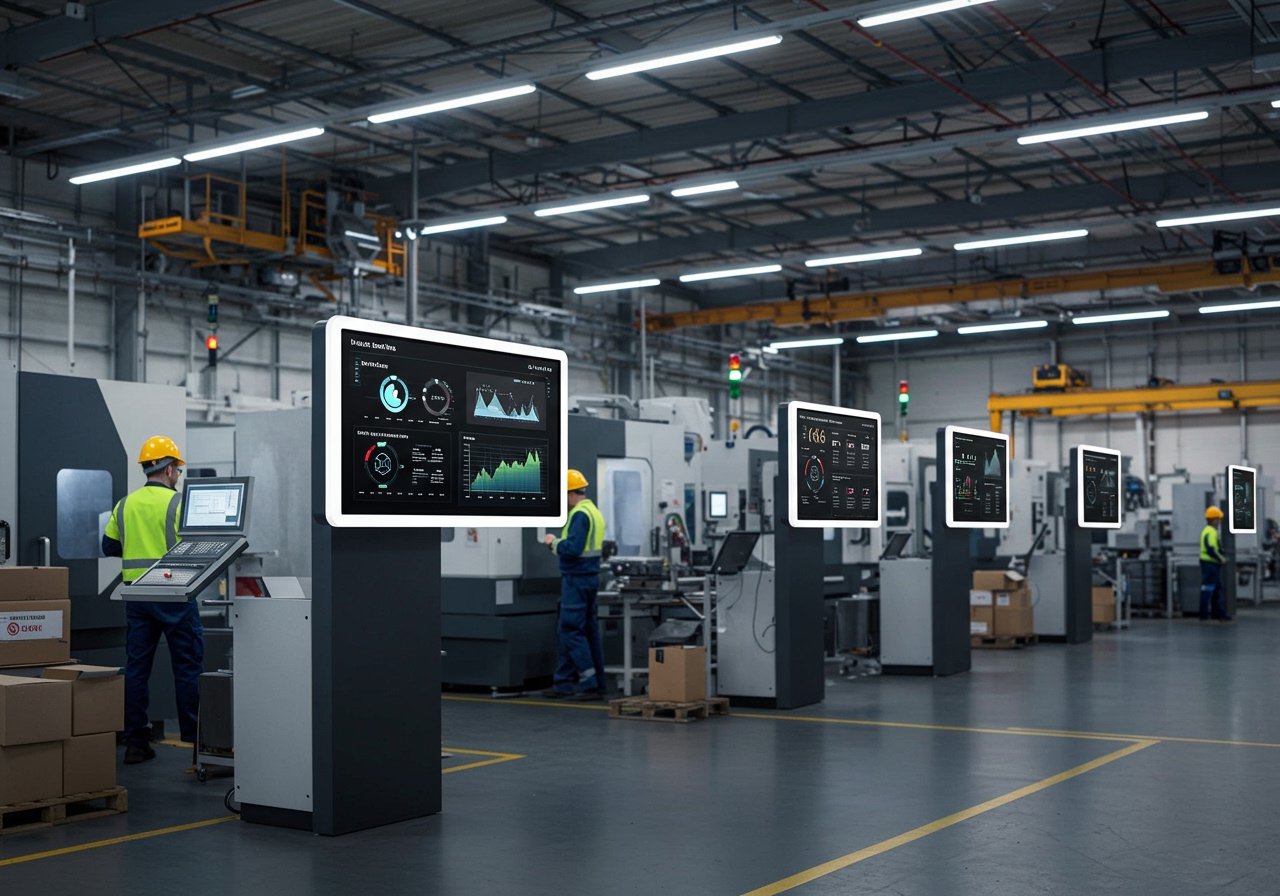
Factory floors run on momentum. When updates are delayed, teams lose time, miss targets, and work with yesterday’s information. When information is live, visible, and consistent across every screen, performance becomes easier to manage and easier to improve. For easy factory digital signage, we have written this article.
SignageTube helps manufacturers turn ordinary displays into real-time, data-driven communication hubs by combining PowerPoint digital signage with the ability to synchronize live production data like KPIs, shift updates, safety alerts, and downtime notices across multiple screens and sites.
Why real-time signage is becoming the new standard in manufacturing
Manufacturing teams increasingly rely on real-time digital signage because it reduces the distance between what’s happening and what people see.
A well-run signage network makes performance feel tangible: output rates, quality checkpoints, and safety messages stop being “somewhere in a system” and become part of the daily rhythm on the floor.
The PowerPoint advantage: fast creation, familiar workflows, consistent branding
PowerPoint is already where many operations teams build shift summaries, SOP reminders, and daily production goals. The problem is distribution and version control.
With SignageTube, you can upload PowerPoint presentations to the server and publish them to remote screens without complicated installations or manual USB updates. That means:
- Your team keeps creating content in a tool they already know
- Messaging stays on-brand and structured
- Updates can be pushed instantly across one screen or hundreds
From static slides to live command centers with data-driven signage
Static displays tell people what you planned. Data-driven signage shows what’s happening now.
SignageTube is built for data-driven, real-time digital signage, so you can pair your PowerPoint messaging with live operational metrics that keep teams aligned and responsive.
Here’s what that looks like on a factory floor:
- Live KPIs (output, scrap rate, OEE, cycle time, takt attainment)
- Shift handover notes and production targets
- Safety alerts and incident-free day counters
- Downtime status and escalation instructions
- Quality reminders tied to current runs or stations
What SignageTube makes easy for multi-screen, multi-site factories
When you’re managing screens across lines, departments, or locations, “easy to update” isn’t enough. You need centralized control, reliable syncing, and confidence that every screen is showing the right message at the right time.
SignageTube is designed to simplify that operational reality with control and an automated, wizard-driven setup. You can create multimedia playlists, schedule what plays when, and manage distribution from one place.
Key capabilities manufacturers use every day
- PowerPoint-based uploads to keep content production simple
- Playlist management for mixing PowerPoint, videos, and images into one cohesive loop
- Scheduling to automate shift-based messaging (morning vs. evening, weekday vs. weekend)
- Remote screen management to control content across multiple sites simultaneously
- Synchronization tools to keep updates consistent across screen groups
- Professional templates you can customize for departments, lines, or facilities
- 24/7 award-winning customer support to keep your signage reliable when operations can’t pause
- A free tier to test the platform before scaling
To explore the platform, visit SignageTube.
Static signage vs. data-driven factory signage
| Area | Static displays | Data-driven SignageTube displays |
|---|---|---|
| KPI visibility | Updated manually, often delayed | Updated in near real time with synchronized data |
| Shift communication | Relies on meetings, printed notes, or inconsistent slides | Shift updates can be scheduled and pushed instantly |
| Operational transparency | Limited, varies by area | Consistent metrics across lines, teams, and sites |
| Engagement | Easy to ignore over time | Changes dynamically, stays relevant and actionable |
| Standardization | Hard to keep consistent across locations | Centralized control, templates, and synced screen groups |
You don’t need a massive, disruptive project to see results. Many teams start with one area, prove the value, then scale.
Step 1: Start with one “high-impact” screen group
Pick a place where visibility matters most: the main production line, a shift handover zone, or a safety corridor.
Step 2: Publish a PowerPoint-based core loop
Build a simple loop that covers goals, safety, and priorities. Keep it clean, large, and readable from a distance.
Step 3: Add live metrics to make it operationally meaningful
Bring in the KPIs that change decisions in real time (output pace, downtime status, quality alerts).
Step 4: Scale with templates, playlists, and scheduling
Once the model works, replicate it across departments while keeping consistent design and message standards.
What your team gains: clarity, accountability, and motivation
When teams can see performance clearly, they can respond faster and feel more connected to results. Real-time signage reduces ambiguity and increases alignment, especially across multiple shifts.
It also changes the energy on the floor. Instead of guessing, people know. Instead of waiting, they act.
Turn your factory screens into a real-time performance layer
If you’re ready to move beyond static displays, SignageTube gives you a practical path forward: PowerPoint-friendly content creation, cloud-based control, and real-time, data-driven communication that scales across screens and sites.
Build your first playlist, test the experience, and start turning everyday screens into live command centers with SignageTube.