
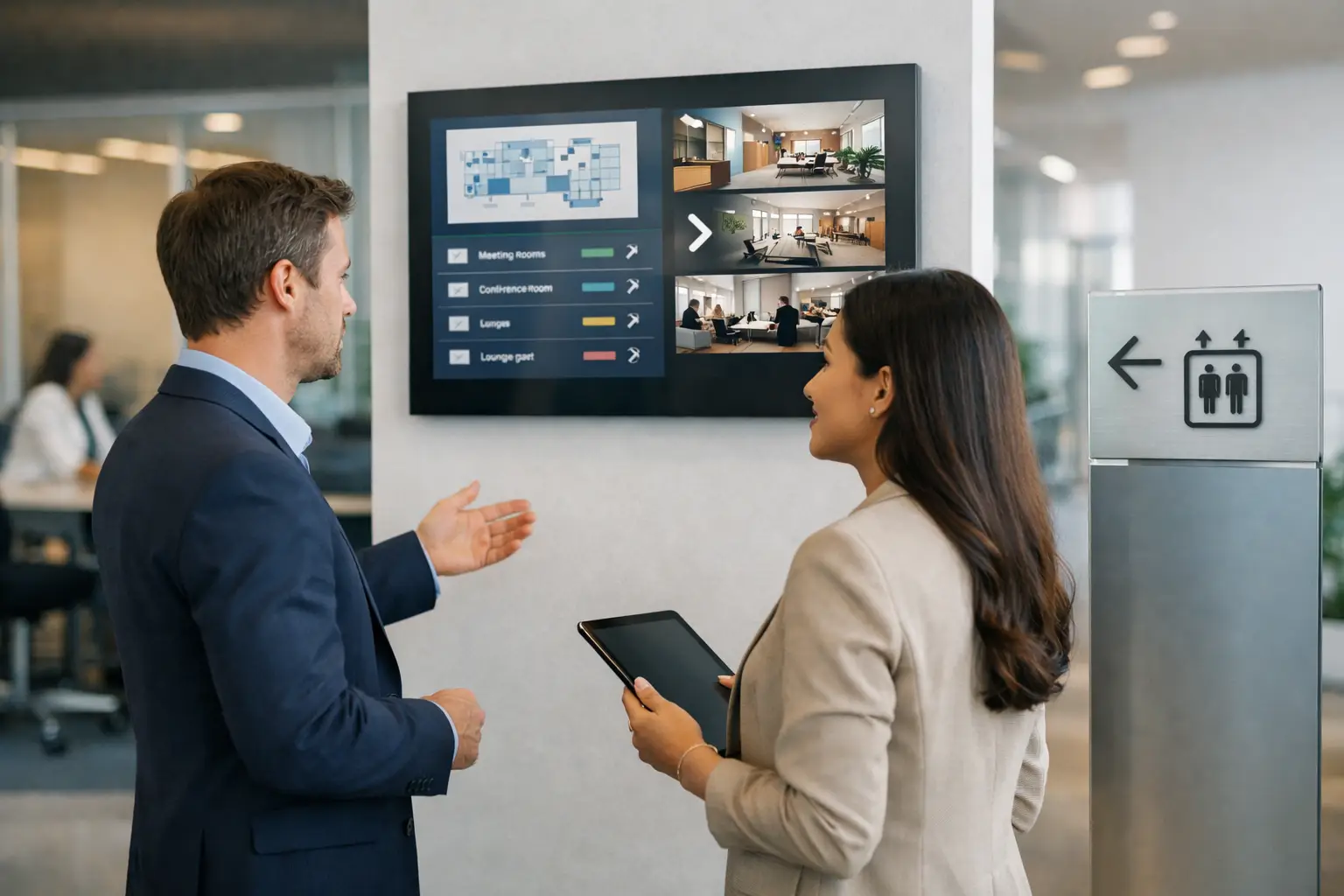
Most office screens fail for a simple reason: they try to say everything at once. A lobby display becomes part welcome board, part HR bulletin, part marketing reel, part cafeteria menu, and none of it lands.
A strong digital signage content strategy for offices fixes that. It gives each screen a job, matches content to the people standing in front of it, and makes updates easy enough that teams will actually keep the network current. That matters because office signage is not decor. It is an operational communication channel. If it is unclear, outdated, or too hard to manage, people stop looking.
What a digital signage content strategy for offices should do
The best office signage strategies are built around utility first. Your screens should help employees, visitors, and leadership get the right information at the right time without creating another communication mess to maintain.
In practice, that usually means balancing three goals. First, screens need to inform people quickly. Second, they need to reinforce culture and brand standards. Third, they need to be manageable across one office or many locations without turning every update into a design project.
That last point is where many teams get stuck. The content may be useful, but the workflow is too slow. If every change requires a designer, a special file format, or a complicated publishing process, the signage program loses momentum. Office communications move too fast for that.
Start with screen purpose, not content ideas
Before you plan playlists or templates, define what each screen is for. This sounds basic, but it prevents a lot of clutter.
A lobby screen has a different role than a break room screen. A screen near elevators is ideal for quick building updates, event reminders, and company headlines. A screen in a waiting area can handle longer loops, branded messaging, or visitor guidance. A screen in an operations area may need real-time metrics, shift notices, or status updates.
If one screen tries to serve every audience, your message gets watered down. It is better to give each display a primary function and one or two secondary functions. For example, a reception display might focus on visitor welcome content first, company overview content second, and urgent alerts only when needed.
That structure also helps with governance. Teams know what belongs on a screen and what does not.
Match content to office audiences
Most offices have at least three distinct audiences: employees, visitors, and leadership or department stakeholders. In larger organizations, there may also be location-specific audiences such as facilities teams, sales teams, or manufacturing support staff.
Each audience has a different tolerance for detail. Visitors need orientation and reassurance. Employees need useful, current information they can absorb in seconds. Departmental viewers may need more frequent updates, especially if screens support operations.
This is where a digital signage content strategy for offices becomes more than a publishing calendar. You are deciding who needs what, how often, and in what format.
For employee-facing screens, useful content often includes company announcements, meeting or room information, event reminders, safety notices, onboarding messages, recognition, policy reminders, and performance metrics. For visitor-facing screens, keep the emphasis on welcome messaging, directions, brand presentation, and simple wayfinding.
Not every message deserves screen time. If a topic requires a full paragraph to explain, digital signage may not be the right first channel. Office screens work best when they point attention, reinforce priorities, or provide fast reference information.
Build around repeatable content blocks
One of the easiest ways to keep office signage consistent is to stop treating every update like a custom campaign. Instead, create a set of repeatable content blocks your team can reuse.
Think in terms of categories such as announcements, KPIs, event promos, welcome slides, recognition slides, room schedules, compliance reminders, and live dashboards. Once those categories are defined, you can create templates for each one.
This approach does two things. It keeps the network visually consistent, and it lowers the skill barrier for contributors. A facilities coordinator, HR manager, or office admin should be able to update a slide without wondering how to build it from scratch.
That is one reason PowerPoint-based workflows work well in office environments. Teams already know how to edit presentations, follow brand guidelines, and swap in new text or images. Instead of retraining staff on specialty design software, you can standardize content creation around a tool they already use. For many organizations, that shortens rollout time and makes ongoing updates much more realistic.
Plan for timing, not just design
A good-looking slide that plays at the wrong time is still a miss. Office signage needs scheduling discipline.
Start by separating evergreen content from time-sensitive content. Evergreen items include company values, office amenities, visitor welcome loops, or standard brand messaging. Time-sensitive items include all-hands reminders, event schedules, policy deadlines, weather advisories, and emergency communications.
Then decide how often each type should rotate. A lobby screen might run a polished loop all day with only minor daypart changes. A cafeteria screen may need breakfast, lunch, and afternoon programming. A conference center display could shift throughout the day based on bookings and events.
There is a trade-off here. If you update too rarely, screens go stale. If you update too often without a clear structure, operations become messy and viewers miss key messages. Most offices do best with a predictable cadence: scheduled weekly updates for general content, plus the ability to push urgent or event-driven changes immediately.
Keep slides readable from a distance
Office signage is often viewed while walking, waiting, or passing by. That changes how content should be written and designed.
Short copy wins. Headlines should carry the message. Supporting text should be minimal. If viewers need to stop and study a slide for 20 seconds, the content probably belongs in email, chat, or an intranet post instead.
Visual hierarchy matters just as much. Use large type, strong contrast, and one clear idea per slide. Data can work well on office screens, but only when simplified. A small dashboard crammed with numbers may impress the content owner and confuse everyone else.
Motion also needs restraint. Animation can draw attention, but too much movement makes signage feel noisy. In offices, clarity usually beats spectacle.
Decide what should be automated
Not every office message should be manually updated. If a piece of information changes frequently and follows a predictable structure, automation is worth considering.
Examples include KPI dashboards, service status updates, room schedules, queue information, and operational metrics. The benefit is not just speed. Automation reduces errors and keeps high-value screens useful without constant staff intervention.
This is where deployment model matters. Some organizations want cloud-based management so communications teams can update screens across locations remotely. Others need on-premises control because of security requirements, local network rules, or real-time data environments. The right choice depends on your IT policies, the type of content you display, and how distributed your screen network is.
A practical strategy accounts for both content needs and technical realities. There is no benefit in designing a dynamic screen program that your environment cannot support reliably.
Set ownership before launch
Many office signage programs drift because nobody owns them after installation. The screens are mounted, the initial content looks great, and then updates become irregular.
Avoid that by assigning clear ownership across creation, approval, publishing, and technical support. Communications may own messaging. HR may supply culture and people updates. Facilities may manage building notices. IT may oversee devices, permissions, and network reliability.
The key is to keep the workflow light. If every change needs five approvals, content gets delayed. If nobody reviews anything, screens become inconsistent. Aim for simple rules, shared templates, and role-based access so teams can contribute without breaking standards.
Platforms like SignageTube fit this model well because they let teams create polished screen content in PowerPoint, then schedule and manage playback centrally without a heavy production process. That supports the real goal: getting useful information onto screens quickly and consistently.
Measure whether the screens are doing their job
Office signage does not always need complex analytics, but it does need evaluation. Ask whether screens are reducing confusion, improving visibility for key messages, and saving time for the teams that manage communications.
Look for practical signals. Are fewer people missing internal events? Are visitors finding their way more easily? Are office announcements staying current? Are managers requesting more screen space because the channel is effective, or ignoring it because it has become background noise?
If engagement is low, the issue is usually one of three things: wrong content, wrong location, or wrong frequency. Fixing those is more useful than adding more slides.
The strongest office signage strategies are not the most complex. They are the easiest to sustain. When screens have a defined purpose, content is built from reusable templates, scheduling matches real office rhythms, and updates do not require specialized skills, the network stays relevant.
That is when office signage starts doing what it should have done from the start – quietly making communication clearer every day.