 SignageTube
Manage Multi-Site Networks with Ease: How SignageTube Simplifies Digital Signage Across Locations
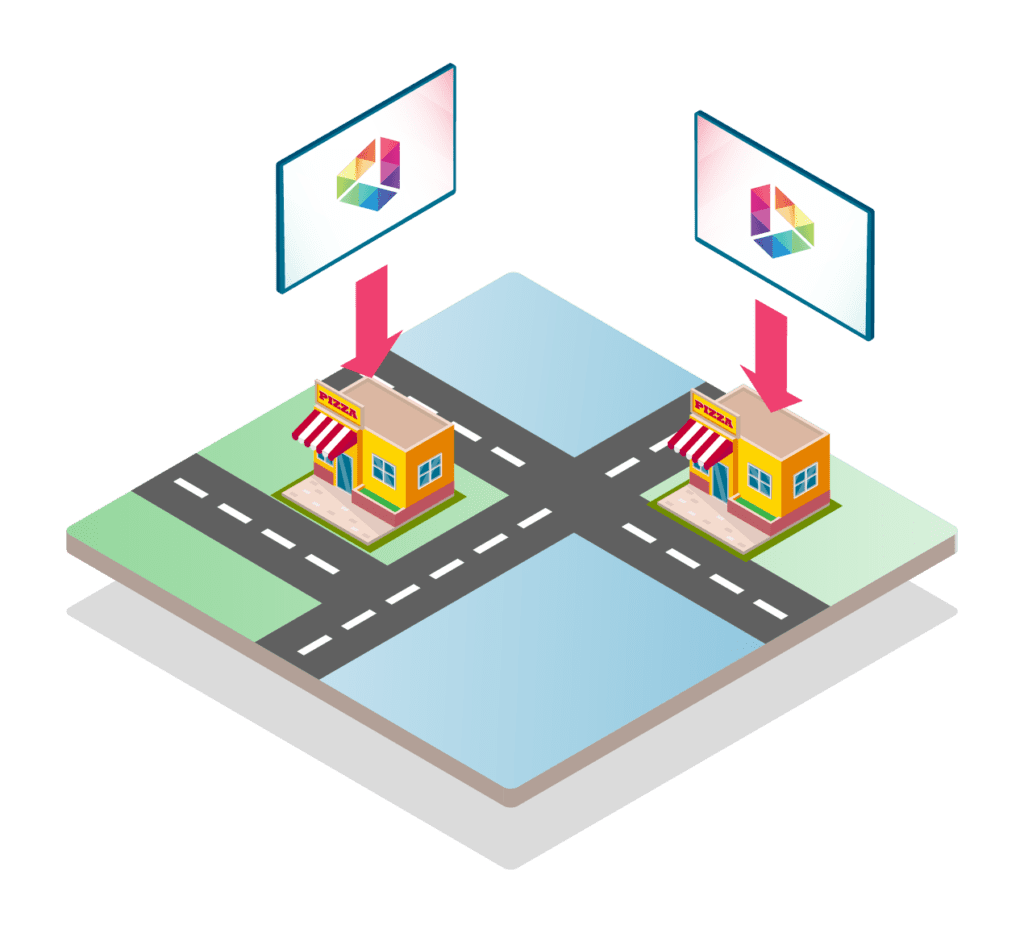
In today’s fast-paced, multi-location business environment, managing digital signage can feel like juggling flaming torches—especially when you’re trying to maintain consistent messaging across dozens or even hundreds of screens. Whether you’re overseeing five displays in a single office or 500 screens spread across a global enterprise, the challenge remains the same: how do you keep everything synchronized, efficient, and impactful?
Enter SignageTube, the cloud-based digital signage solution that’s transforming how organizations manage multi-site networks. With its intuitive dashboard and powerful remote capabilities, SignageTube empowers businesses to control their entire signage ecosystem from a single pane of glass.
Let’s dive into how SignageTube makes multi-site signage management not just possible—but effortless.
The Challenge of Multi-Site Digital Signage
Before we explore the solution, it’s important to understand the problem.
Managing digital signage across multiple locations involves:
- Content consistency: Ensuring every screen displays the right message at the right time.
- Operational efficiency: Avoiding the need for manual updates or on-site interventions.
- Scalability: Being able to grow from 5 screens to 500 without losing control.
- Monitoring and maintenance: Knowing when a screen goes offline or a playlist fails to load.
Traditional signage systems often rely on local software installations, USB updates, or manual configuration—methods that are not only outdated but also prone to errors and inefficiencies.
SignageTube’s Cloud Dashboard: A Game-Changer
SignageTube flips the script by offering a centralized cloud dashboard that gives you full control over your digital signage network—no matter how large or dispersed it is.
Here’s how it works:
1. Group Screens by Location or Department
One of the most powerful features of SignageTube is its ability to organize screens into logical groups. Whether you want to group by:
- Physical location (e.g., Brussels Office, Antwerp Store, Ghent Warehouse)
- Department (e.g., HR, Sales, Customer Service)
- Function (e.g., Lobby Displays, Breakroom TVs, Conference Room Screens)
You can easily create and manage these groups within the dashboard. This allows you to tailor content to specific audiences and streamline your operations.
Why it matters:
- Targeted messaging for different teams or regions
- Easier troubleshooting and updates
- Better analytics and performance tracking
2. Assign Playlists to Specific Screens
Gone are the days of manually uploading content to each screen. With SignageTube, you can create playlists and assign them to individual screens or entire groups.
For example:
- The HR department might see onboarding videos and policy updates.
- The sales floor could display real-time KPIs and motivational quotes.
- The lobby screens might showcase welcome messages and company news.
Playlists can include videos, images, HTML content, social media feeds, and more. You can schedule them by time, date, or event—giving you complete control over what plays and when.
Benefits:
- Dynamic content scheduling
- Personalized experiences for different audiences
- Reduced manual labor and human error
3. Monitor Playback Status Remotely
One of the biggest headaches in digital signage is not knowing when something goes wrong. A screen might freeze, go offline, or fail to load the correct content—and you wouldn’t know until someone complains.
SignageTube solves this with real-time remote monitoring. From your dashboard, you can:
- Check the status of every screen
- View playback logs and history
- Receive alerts for errors or downtime
- Restart or update screens remotely
This proactive approach ensures your signage network runs smoothly and reliably.
Advantages:
- Faster issue resolution
- Reduced downtime
- Peace of mind for IT and marketing teams
Centralized Control = Smarter Operations
The beauty of SignageTube lies in its centralized control. Instead of managing each screen individually, you manage your entire network from one place. This saves time, reduces complexity, and ensures consistent messaging across your organization.
Whether you’re a small business with a few screens or a multinational corporation with hundreds, SignageTube scales with you.
Use Cases Across Industries
Let’s look at how different sectors benefit from SignageTube’s multi-site management capabilities:
🏥 Healthcare
Hospitals and clinics use digital signage to:
- Display patient information
- Share health tips and safety protocols
- Guide visitors through large facilities
With SignageTube, administrators can update content across all branches instantly—ensuring compliance and clarity.
🛍️ Retail
Retail chains rely on signage for:
- Promotions and sales
- Product highlights
- Brand storytelling
SignageTube allows marketing teams to push new campaigns to every store simultaneously, maintaining brand consistency.
🏫 Education
Universities and schools use signage for:
- Event announcements
- Emergency alerts
- Campus navigation
SignageTube makes it easy to manage screens across multiple buildings or campuses from a central dashboard.
🏢 Corporate Offices
Large companies use signage for:
- Internal communications
- KPI dashboards
- Employee engagement
SignageTube helps HR and communications teams deliver timely, relevant content to every department.
Scaling Made Simple
One of the standout features of SignageTube is its ability to scale effortlessly. Whether you’re adding 10 screens or 100, the process is seamless:
- New screens are automatically detected and added to the dashboard.
- You can assign them to existing groups or create new ones.
- Content is pushed instantly, with no need for local configuration.
This makes expansion fast, cost-effective, and stress-free.
Security and Reliability
SignageTube is built with enterprise-grade security in mind. Your data and content are protected with:
- Encrypted connections
- Role-based access controls
- Automatic backups
- Redundant servers for uptime
You can also set permissions for different users—so IT can manage technical settings, while marketing handles content.\
Analytics and Reporting
Want to know which content performs best? SignageTube offers built-in analytics that track:
- Playback frequency
- Screen uptime
- Viewer engagement (via interactive content)
These insights help you optimize your messaging and make data-driven decisions.
Integration and Compatibility
SignageTube works with a wide range of devices and platforms, including:
- Windows and Android players
- Smart TVs
- Web browsers
- Media players like Chrome OS and Raspberry Pi
It also integrates with tools like Google Drive, Dropbox, and social media feeds—making content management even easier.
Getting Started with SignageTube
Ready to simplify your multi-site signage management? Here’s how to get started:
- Sign up for a free trial or choose a plan that fits your needs.
- Install the SignageTube player on your devices.
- Log into the cloud dashboard and start grouping screens.
- Create playlists and assign them to screens.
- Monitor and manage your network from anywhere.
No technical expertise required. Just plug, play, and manage.
Final Thoughts
Managing digital signage across multiple locations doesn’t have to be a logistical nightmare. With SignageTube, it becomes a streamlined, centralized, and intelligent process.
From grouping screens and assigning playlists to remote monitoring and analytics, SignageTube gives you the tools to deliver consistent, engaging, and effective messaging—at scale.
Whether you’re operating 5 screens or 500, SignageTube is your command center for digital signage success.
Ready to Take Control?
Explore SignageTube today and discover how easy it is to manage your multi-site signage network. Your screens—and your audience—will thank you.
👉 Visit SignageTube.com to learn more and start your free trial.
- SignageTube Starter – content signage on any TV
- SignageTube Enterprise – live data on your screens
- Digital signage software – how to choose, and what matters
- Templates – 120+ ready-made designs
- Pricing – simple per-screen plans