CLOUD-BASED DIGITAL SIGNAGE
SignageTube Cloud: A Comprehensive Digital Signage Solution
Cloud digital signage refers to solutions that allow users to create and manage content from any internet-connected device. This page provides a comprehensive overview of cloud digital signage, its benefits, and how it can transform the way businesses communicate with their audiences. Whether you are a retailer, corporate office, restaurant, or transportation hub, this guide is designed for businesses seeking digital signage solutions that are flexible, scalable, and easy to manage. Cloud digital signage matters because it streamlines content management, reduces costs, and enables real-time updates across multiple locations, making it an essential tool for modern organizations.
Summary
Main Benefits and Use Cases
Cloud digital signage is widely used in retail, corporate offices, restaurants, and transportation hubs. It is cost-effective, reducing the need for on-premise servers and costly maintenance. Cloud digital signage allows management of multiple displays from a single platform, simplifying operations for users. It also enables users to create and manage content from any internet-connected device, providing unmatched flexibility and convenience.
advantages
Why Choose Cloud-Based Digital Signage?
Cloud digital signage offers a range of advantages that make it the preferred choice for businesses of all sizes. Here’s why you should consider making the switch:
Easy Content Creation
Create stunning presentations using familiar PowerPoint tools, no learning curve or expensive design software needed. Our digital signage software supports easy content creation with a user-friendly, drag-and-drop content management system. Training modules are included to help users get started and make the most of the software.
Dynamic Content and Real-Time Updates
Keep your content fresh with periodic updates via simple uploads. Ideal for menu boards, promotions, and announcements. Supports fast updates to enhance your customer experience.
Remote Access and Management
Access your dashboard from any device, anywhere, with global server coverage and 99.9% uptime. Offers remote monitoring and management capabilities for your convenience. You can update your content anytime.
Device Compatibility
Works on any device with our Google TV app. Windows, Android, Smart TVs, if it connects to the internet, it works. Our digital signage player is compatible with various media players, including Apple TV and Chromecast.
Advanced Scheduling
Schedule content weeks in advance with automated scheduling, timezone support, and bulk deployment across multiple locations. Content scheduling features allow for efficient campaign management. Provides robust centralized control over content updates, user privileges, and network management for secure and streamlined operations.
Template Library
Jump-start your designs with our library of industry-specific templates for hotels, restaurants, retail stores, and more. Template management system helps you create engaging content quickly.
Now that we’ve covered the key advantages, let’s look at how cloud digital signage enables effective communication.
SignageTube Cloud
A Comprehensive Digital Signage Solution?
Cloud digital signage has several benefits over traditional, on-premises digital signage. It is widely used in retail, corporate offices, restaurants, and transportation hubs. Cloud-based digital signage software provides flexibility to access your signage from anywhere, it is platform-agnostic, and it is the solution if you want to get started fast with your digital transformation journey.
Cloud digital signage is also cost-effective, reducing the need for on-premise servers and costly maintenance. It eliminates the need for expensive on-site servers and typically involves predictable subscription fees. With a platform like SignageTube Cloud, users can select the best hardware for their specific needs, and have the flexibility to use their own hardware—whether it’s Windows, Android, Linux, Mac, or Chrome OS devices—for maximum convenience and scalability.
Access Your Signage From Anywhere
Already gone home for the day and realized that you forgot to change your digital signage for tomorrow’s event? No problem. Just log into your SignageTube cloud-based digital signage account from any Internet-connected computer device from home and make the changes. Traveling and need to make changes to your digital signage? No problem. Just log in anywhere you have an Internet connection.
With remote management, you can control and update content on one screen or across multiple screens, and even identify and resolve technical issues without needing to be on-site, leveraging a cloud digital signage platform that centralizes control.
Access From Multiple Devices
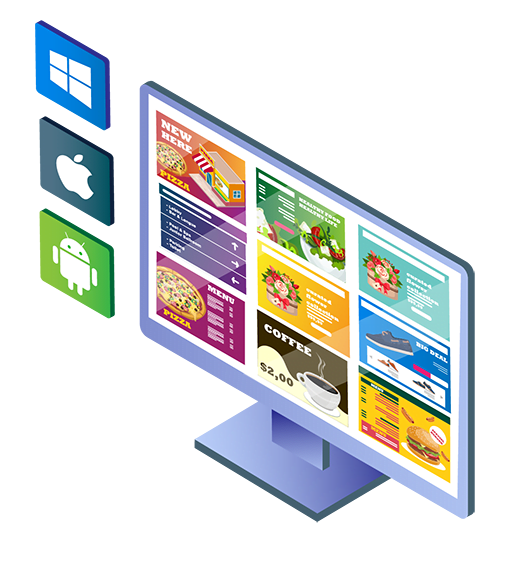
With cloud digital signage, you aren’t restricted to controlling your digital signage playlists from a single computer with specialized software. You can install the software on your own hardware, including devices running Windows, Mac, and Android.
Using SignageTube, you can access your account and digital signage software from any Internet-connected computer, laptop, tablet, or mobile device using Windows, macOS, iOS, and Android.
Automatic Updates
With cloud digital signage, you automatically get the latest version of the software every time you log in. This saves you from having to continually buy, download, and install new versions of your digital signage player software.

Equipment Savings
With SignageTube, you don’t have to have dedicated computers to manage your playlists and scheduling. Media players can be pre-loaded and are designed for plug-and-play functionality, supporting 4K and 24/7 operation. Media players can be pre-loaded for plug-and-play setup, supporting 4K resolution and 24/7 operation. Our solution is powered by robust cloud infrastructure, ensuring reliability and scalability. The quick and easy setup process allows you to configure both hardware and software with minimal effort. Instead, you just access your account from any Internet-connected computer, and the cloud handles the rest. Our digital signage solution is hardware agnostic, allowing for flexible deployment options.
Disaster Recovery
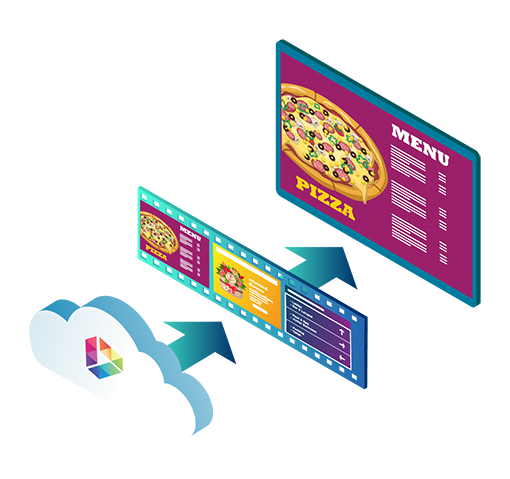
With SignageTube, your playlists and uploaded media are all backed up in the cloud, so you won’t lose these files and playlists in the event of equipment failure or other disasters such as fires or floods affecting your facility. This cloud hosting feature ensures business continuity and peace of mind.
Now that you know how SignageTube Cloud can streamline your operations, let’s explore how cloud digital signage supports effective communication.
Effective Communication
with Digital Signage
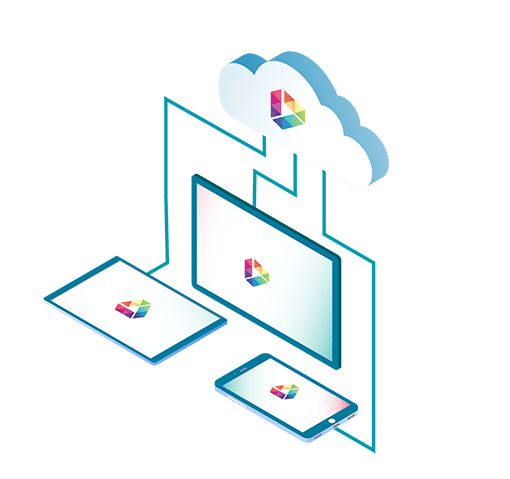
Effective communication is at the heart of every successful business, and digital signage solutions make it easier than ever to connect with your audience. When comparing digital signage solutions, cloud-based digital signage software helps you communicate effectively across multiple screens and locations, ensuring your message reaches the right audience at the right time.
Engaging Customers
Whether you need to engage customers with dynamic content, share company news, or broadcast emergency alerts, digital signage gives you the flexibility to manage and update your displays instantly.
Sharing Company News
Use your screens to display health tips, promote special offers, or keep employees informed—digital signage empowers you to deliver the right message, every time.
Broadcasting Emergency Alerts
By leveraging these solutions, your business can enhance communication, boost engagement, and ensure that important information is always front and center.
With communication covered, let’s move on to how you can create engaging content with cloud digital signage.
Creating Engaging Content
Capturing your audience’s attention starts with creating engaging content, and digital signage software makes this process super easy.
Intuitive Content Design
With an intuitive interface, you can design and display content using familiar tools like Google Slides, Power BI, and a variety of apps.
Versatile Media Support
Whether you want to showcase company news, share health tips, or highlight new products, digital signage allows you to display images, videos, and interactive media that resonate with your audience.
Marketing and Engagement
The platform supports a wide range of media, making it perfect for marketing campaigns, employee engagement initiatives, and real-time updates.
By using digital signage, you can create visually appealing and dynamic content that not only informs but also inspires action, helping your business stand out and connect with viewers in meaningful ways.
Next, let’s discuss the importance of security and compliance in cloud digital signage.
Security and Compliance
When it comes to digital signage, security and compliance are non-negotiable. Cloud-based digital signage software is designed with robust security features to protect your data and digital signage network from unauthorized access.
Data Protection
These solutions ensure that your content and information remain safe, reliable, and accessible only to authorized users.
Regulatory Compliance
Additionally, digital signage solutions help your business stay compliant with industry regulations, including accessibility standards, so your displays are suitable for all audiences.
Advanced Security Protocols
With advanced security protocols and regular updates, you can trust that your digital signage platform will safeguard your data and support your compliance needs, giving you peace of mind as you manage your digital communications.
Now, let’s see how cloud digital signage supports accessibility for all users.
Accessibility in Digital Signage
Ensuring your digital signage is accessible to everyone is essential for creating inclusive environments. Modern digital signage solutions offer features like text-to-speech, closed captions, and audio descriptions, making your content accessible to people with disabilities.
Inclusive Features
You can also use digital signage to provide wayfinding information, helping all visitors navigate your premises with ease.
Commitment to Accessibility
By leveraging these features, you can create content that reaches a broader audience and demonstrates your commitment to accessibility.
Digital signage empowers you to deliver messages that everyone can understand and benefit from, making it a valuable solution for businesses focused on inclusivity.
Let’s now explore how digital signage can boost your marketing efforts.
Digital Signage for Marketing
Digital signage is a powerful marketing tool that helps you engage customers, promote products, and drive sales.
Dynamic Campaigns
With digital signage solutions, you can create dynamic content that captures attention and encourages action, whether you’re showcasing new arrivals, announcing special promotions, or sharing company updates.
Targeted Messaging
The ability to display targeted messages on multiple screens allows you to tailor your marketing campaigns to specific audiences and locations, maximizing impact.
Internal Communication
Digital signage also supports internal communication, keeping employees informed and motivated.
By integrating digital signage into your marketing strategy, your business can deliver compelling content that boosts engagement, increases sales, and strengthens your brand presence across all your locations.
Now that you understand the marketing potential, let’s review the key features of SignageTube Cloud.
Features
SignageTube Cloud Plan Includes

Local Server

Multiple Sites

Proof of Play

No Extra Software

File Copying & Caching

Alerting

Unlimited Playlists

Automatic Rendering

Playlist Combinations

Multiple Platforms

User Management

Instant overview

Unlimited Players
Backups

Free Templates

Servers in Your Area

Free Templates

Advanced Logging
how does it work
9 Steps To Digital Signage Success
Step 1
Sign Up And Log On
Starting up with SignageTube is easier than a breeze. Create your unique SignageTube account and receive your access details within a minute. Log in to the SignageTube website or use your phone to browse the mobile application. Get started with a full one-month free trial to explore the capabilities of our digital signage platform!
Step 2
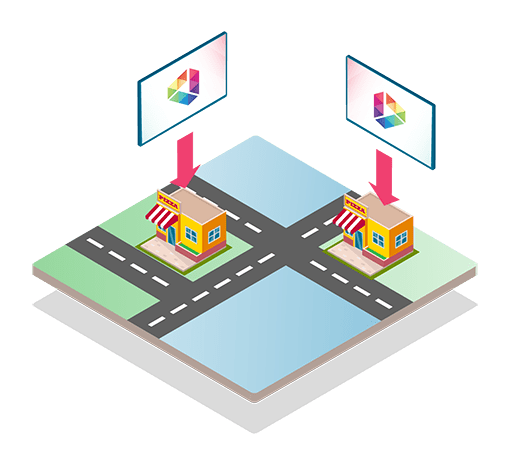
Add Sites And Players
Create unique names for your sites to keep track of them, e.g. ‘5th Avenue’ or ‘Avenue des Champs Elysées’. Keep players’ names short and straight to the point to avoid confusion, e.g. ‘Entrance screen’ or ‘Window screen.’
Step 3
Create Playlists
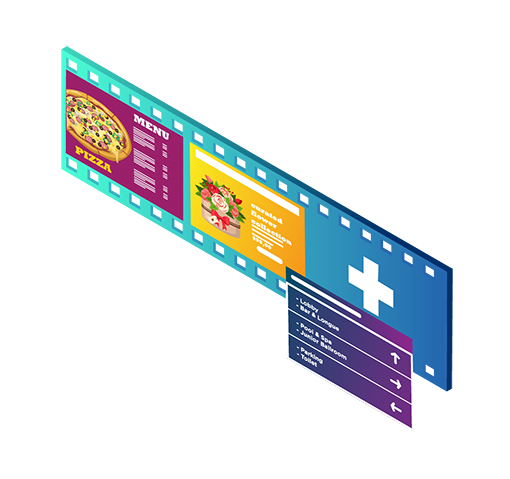
Personalize and customize your channels by creating playlists and add your presentations, videos, and commercials to them. You can choose any template from the SignageTube presentation library or come up with your own using our drag-and-drop interface!

Step 4
Schedule Playlists
You can do individual player assignments or assign a playlist to a whole group of players. Want your ad to play at the same time on all of our remote screens? Assign a playlist to all of your linked players at once!
Step 5
Connect Player and Television
Or why not without a computing device? Install our SignageTube app directly on your Smart TV (not all Smart TVs run the native open Android operating system).
Once you have identified your player via the app, the file synchronization will begin. Once synchronized, the playback of the files will start in a loop. Our digital signage player supports various devices, including those with an HDMI port for easy connectivity.
Step 6
File Synchronization
Step 7
Live Monitoring

Step 8
Alerts and Logging
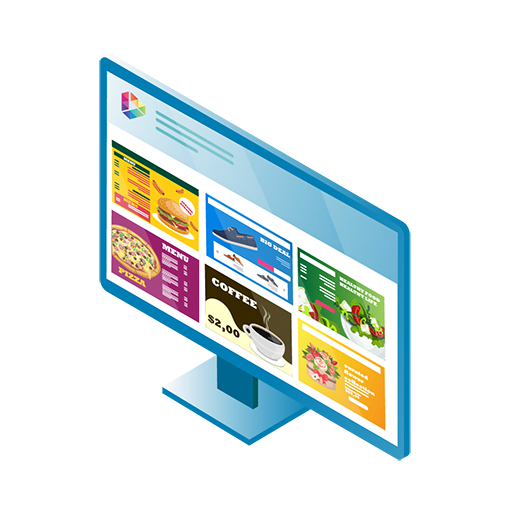
As an administrator, you get a wealth of fantastic tools to monitor, manage and tweak your SignageTube digital signage network. The SignageTube app is your digital hub: log in to see how your campaign is doing and what needs to be done to improve it. Monitor errors and glitches in real-time, or opt-in to receive live alerts and events via email.
Step 9
Happy Customers