 SignageTube
Design your screens in the PowerPoint you already know, then publish them to any TV. Your fonts, animations and branding carry over, and the slides can update themselves from live data.
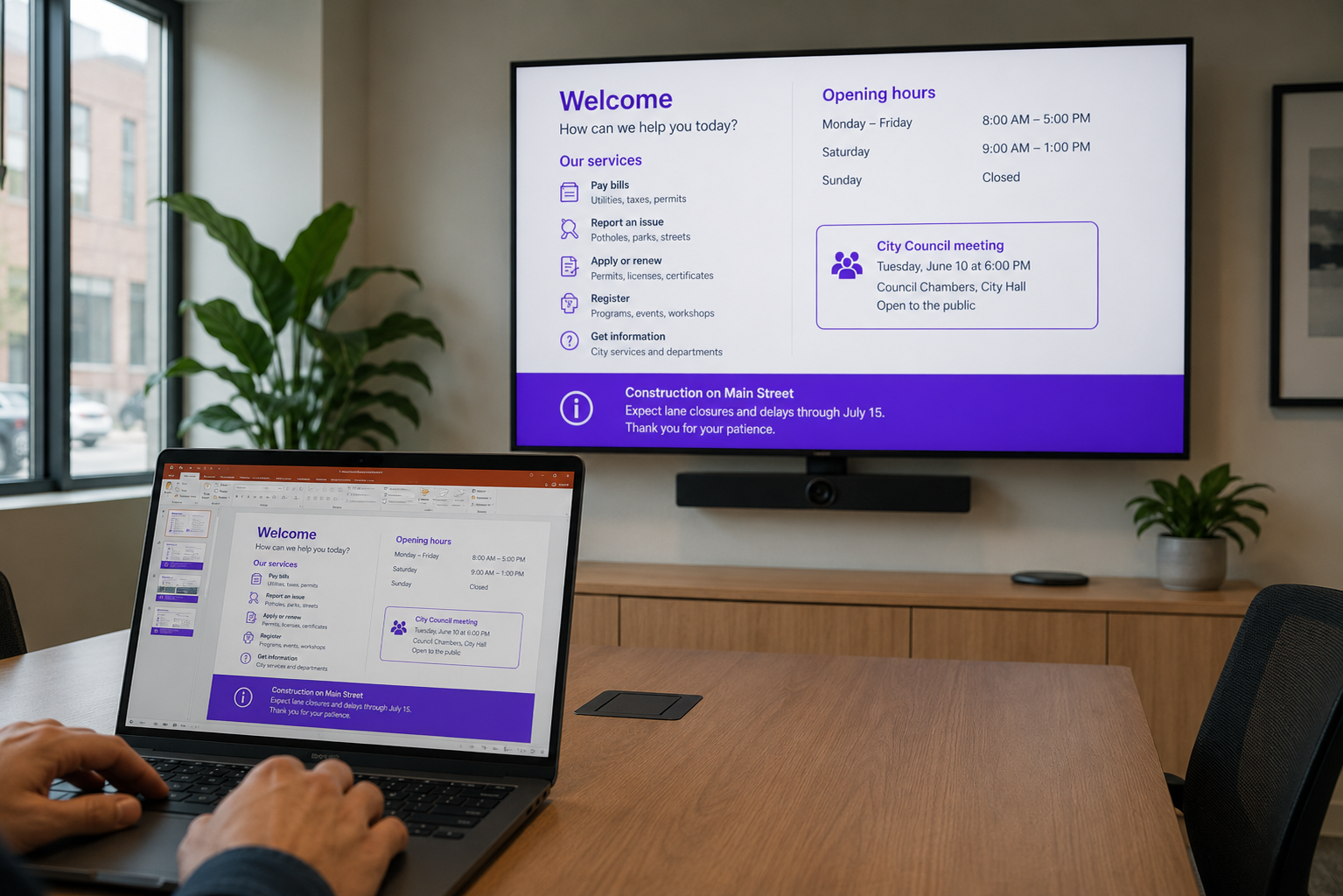
There is no separate signage editor to master. Make your slide in PowerPoint, or start from one of 120+ templates, then send it to your screens. What you design is exactly what plays as digital signage.
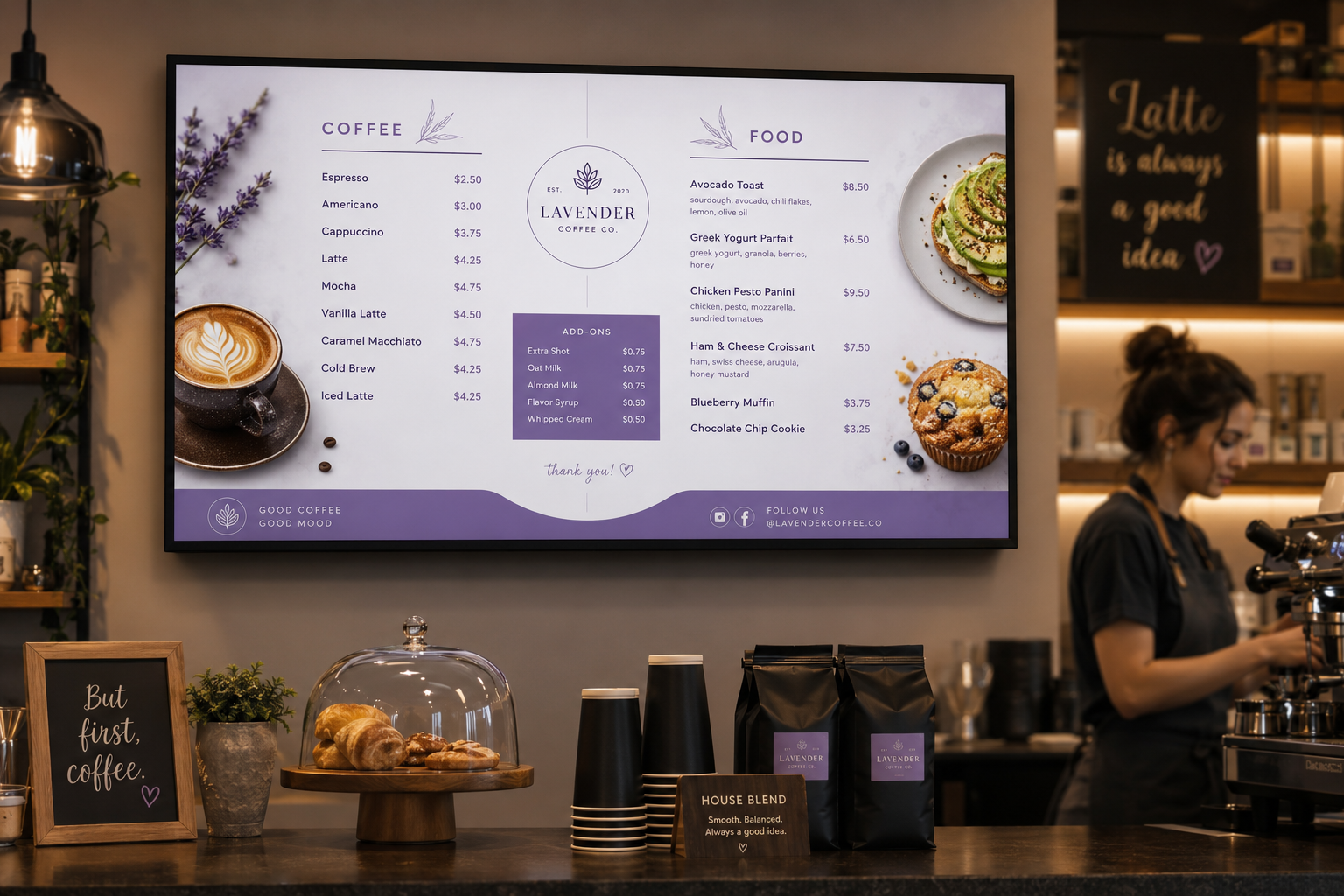
With SignageTube Live, your PowerPoint slides read live values from Excel, text files, databases and feeds. Prices, KPIs and schedules refresh on screen automatically, so the deck is never out of date.

If you can make a slide, you can run PowerPoint digital signage.
Build your slide or open a template. Add live data fields if you want figures to update on their own.
Upload to SignageTube, arrange a playlist and schedule when it plays.
Connect an Android TV or Windows player and your slides go live.
Start free and turn the PowerPoint you already make into professional digital signage.
Pick what you want to try. No credit card needed, just your name and email.
Show your content, menus, welcome screens and promotions. The easiest place to start.
Start Cloud trial →Show live data that updates itself, prices, KPIs and dashboards from Excel and 20+ live sources. All features included.
Start Live trial →Not sure? Start with Cloud, you can switch anytime.
Both include a 7-day free trial. No credit card needed, just your name and email.